You know that feeling when a customer calls and says, "I found you on Google and your pictures looked legit"? I heard that from a plumber in Fountain Square last fall. He'd never bothered with his Google Business Profile photos—just had a couple grainy shots from his old flip phone. But one weekend his son took some pics of a water heater install, uploaded them, and within a month his calls doubled. He still kicks himself for waiting so long.
Photos are the easiest win you're probably ignoring. Not because you don't care, but because it feels like one more thing on an already-too-long list. I'm here to tell you: it's simpler than you think, and honestly, it works.
Why Your Photo Game Matters More Than You Think
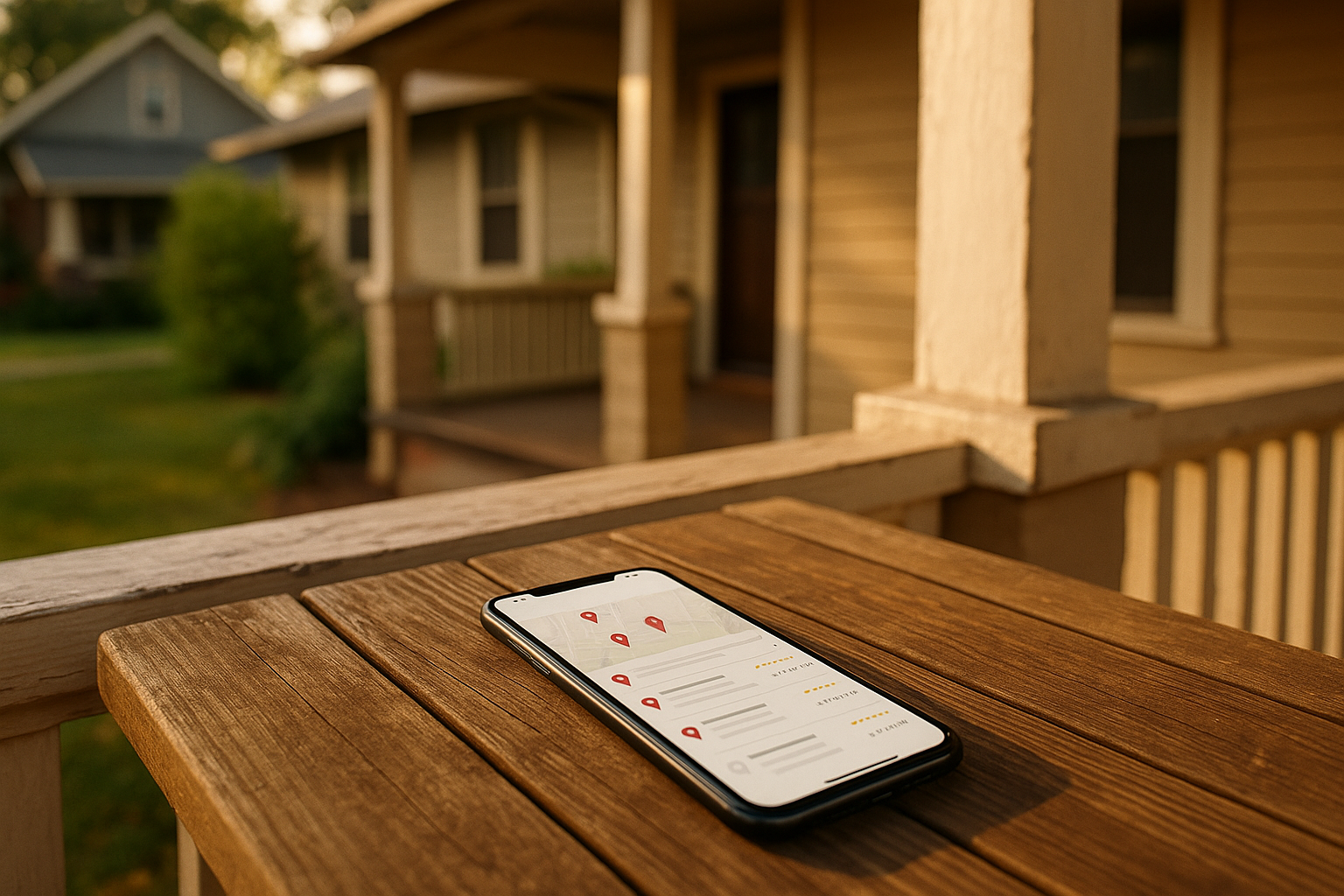
When someone searches for a plumber or painter near them, Google shows a list. Alongside your business name, there's a thumbnail. If that photo is dark, blurry, or—worst—a stock image of someone else's truck, they scroll right past. Your photos build trust before you even answer the phone. They scream, "We do real work, and we do it well."
And it's not just about looks. Google's algorithm loves fresh, high-quality images because users engage more. More clicks, more direction requests, more calls. I've seen it with my own eyes: businesses that add photos regularly get a noticeable bump in profile views and actions. (You can track that in GBP insights, by the way—if you want to dig into ROI, we've got a guide on that.)
So no, it's not vanity. It's bottom-line stuff.
The "I Don't Have a Pro Camera" Problem (Spoiler: You Don't Need One)
Your phone is already good enough. Most modern smartphones shoot at resolutions way above Google's minimum. The specs are forgiving: at least 720 by 720 pixels, sRGB color, JPG or PNG, and keep the file between 10 KB and 5 MB. That's it. No heavy filters, no text overlays—just clean, well-lit shots.
The real secret? Lighting. In Indianapolis, we get dramatic seasons. Shoot outside during golden hour (that warm evening light) and your work will look like a million bucks. Avoid harsh midday sun that casts ugly shadows. Indoors, open up the blinds and let in that natural daylight. If a room is dark, bring in a couple work lights—you already have them on the truck.
And composition: keep the camera straight, fill the frame with what matters, and clear away clutter. A tidy jobsite says you respect the customer's home.
What to Actually Photograph (A Checklist You Can Copy)
You don't need to guess. Here's a shot list I give to every Indy service business I work with:
- Cover photo: A crisp, horizontal image that sums up your main service. Not a logo, not a collage—a real photo that says what you do.
- Exterior shots: Your storefront (if you have one), signage, parking area, the entrance. Show what a customer would see when they pull up.
- Interior/Staging: If you have a shop or office, snap the waiting area, your equipment setup, a clean van interior.
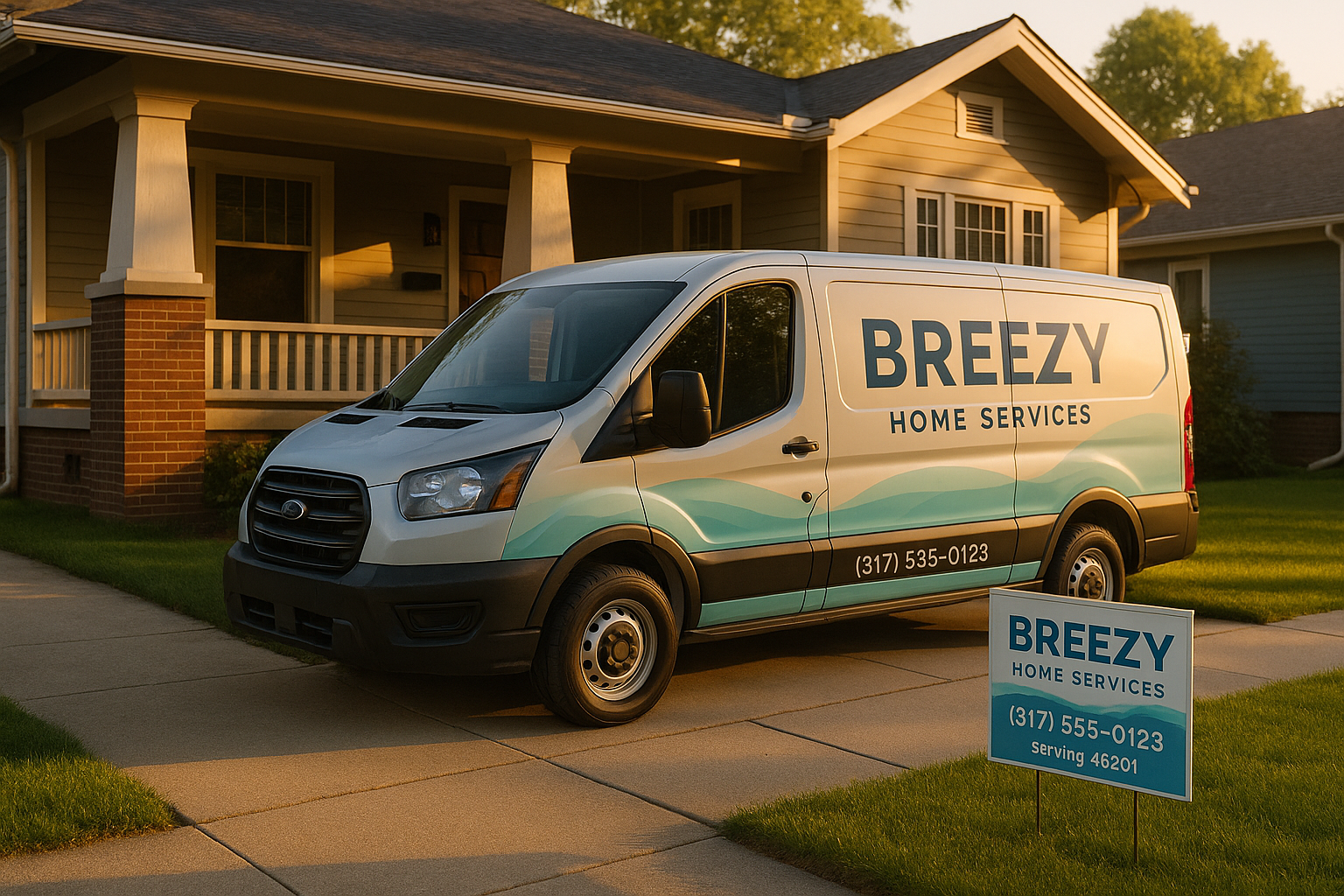
- Vehicles and equipment: Your wrapped truck, your tools laid out neatly—these prove you're ready to roll.
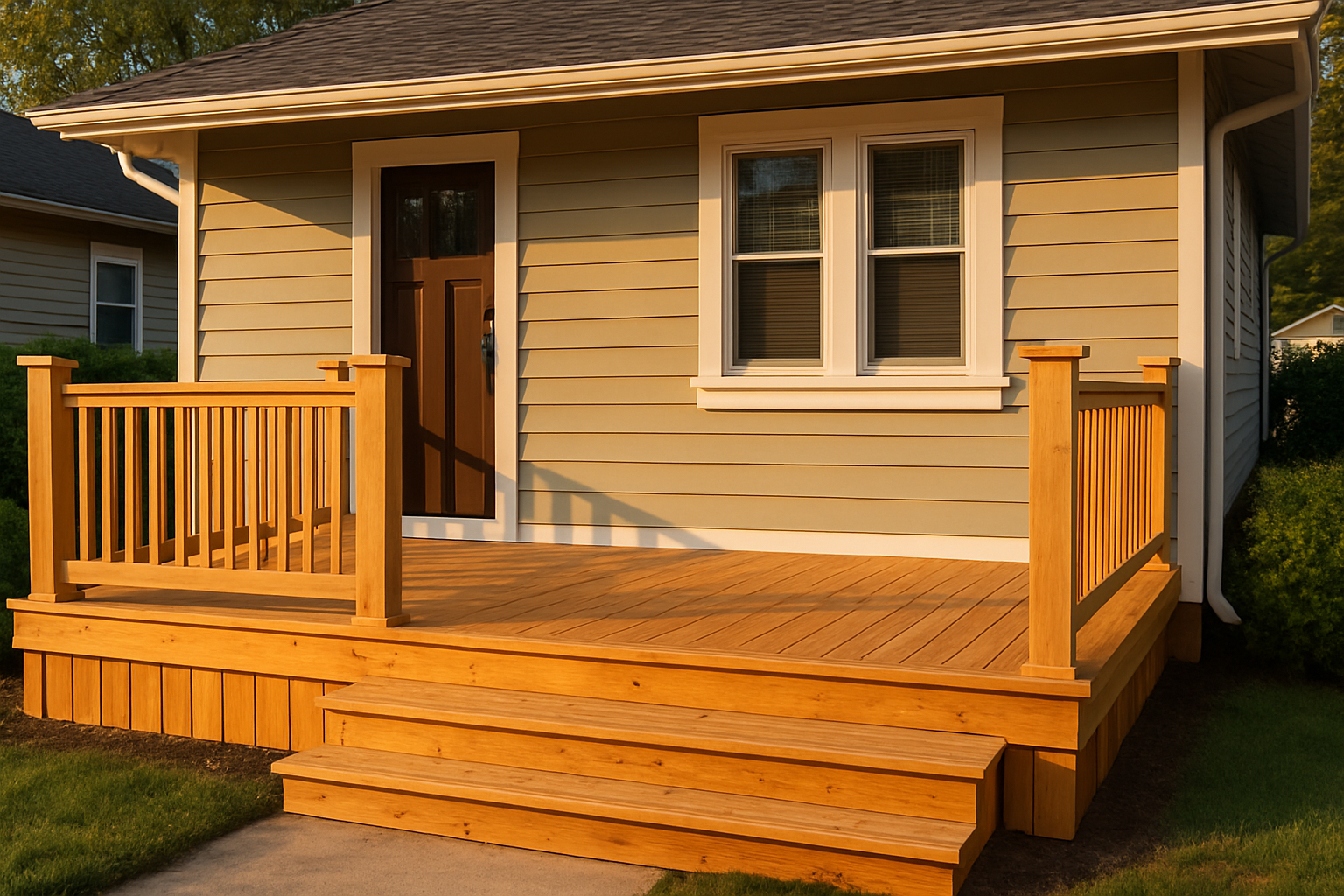
- Close-ups of craftsmanship: A perfectly caulked seam, a freshly painted trim, a gleaming HVAC unit. These details matter.
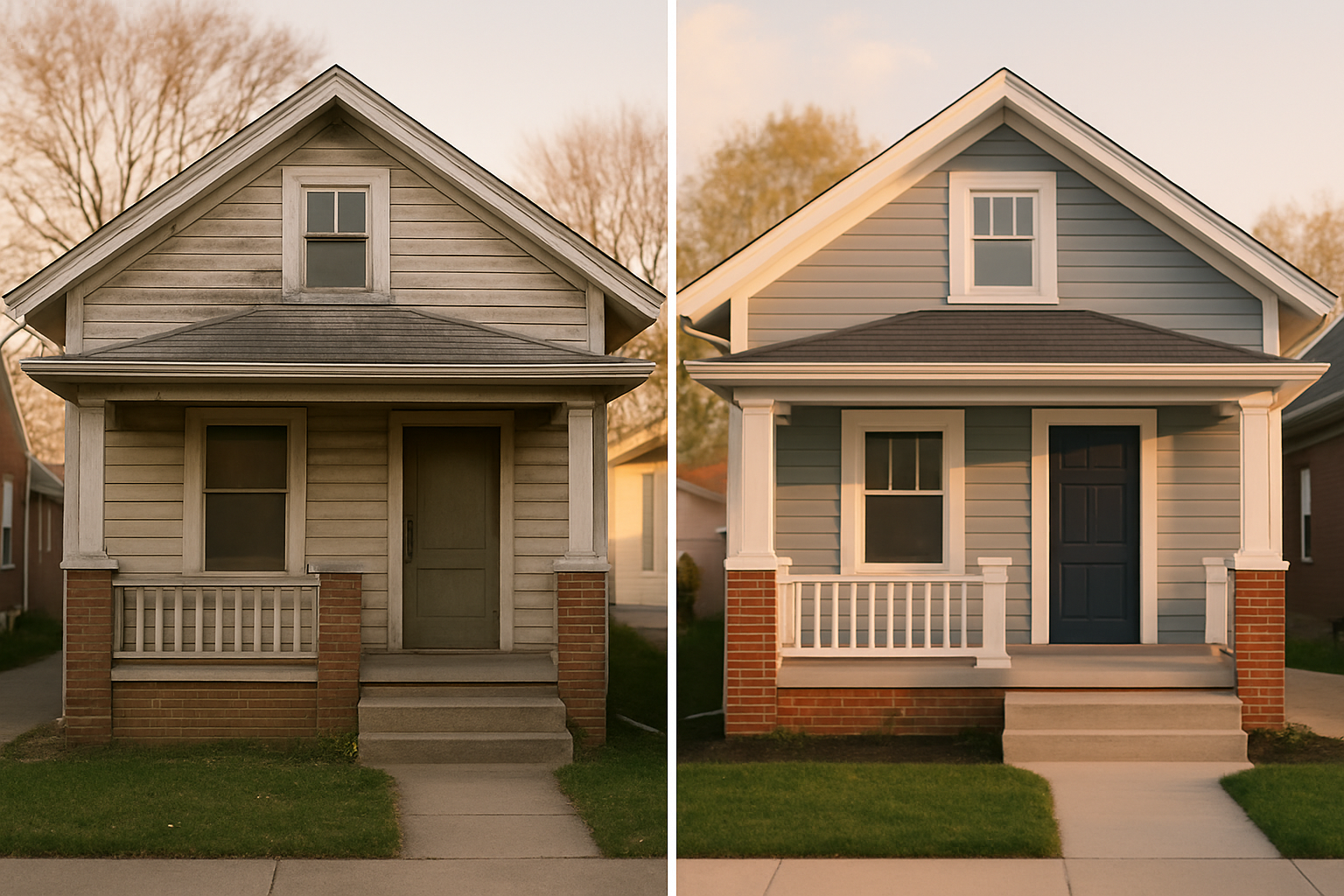
- Before-and-after: Always separate images, same angle, same lighting. No side-by-side collages—Google might crop them weird. Label them clearly in the caption.
- Service area context: Even if you don't have a storefront, show your turf. A shot of your truck near Monument Circle or in front of a Broad Ripple bungalow (without people or identifiable addresses) tells locals you're one of them.
The Before-and-After Magic
Homeowners eat this stuff up. There's nothing like seeing a grimy basement become a finished rec room, or a sad, peeling deck turn into a showpiece. But here's the trick: don't combine them into one image. Upload the "before" photo, then the "after" photo right next to it. Keep the angle identical. Natural light works best. And please, no dark "before" and bright "after"—it looks fake.
I've heard contractors say, "My job sites are messy and change fast." I get it. You don't need every project. Just pick a few where you can control the environment for ten minutes. Once you've got a handful of solid sets, you're golden.
How Often Should You Post?
Don't overthink it. Get 12 to 20 photos up as a foundation—mix of the categories above. Then add 3 to 5 new ones each month. Rotate in seasonal stuff. In Indy, that means fresh snow in January? Show your crew salting a walkway. April showers? Capture a sump pump install. Fall foliage? Get your truck framed by those fiery maples in Meridian-Kessler. Summer? An AC unit sparkling in the sun.
This keeps your profile looking alive, and Google notices freshness. It's not about quantity; it's about consistency.
What If You Don't Have a Storefront?
Plenty of service businesses are mobile—electricians, lawn care, house cleaners. Your "place" is the neighborhood you serve. So photograph your van at a job site (blur the house number), tools organized in the driveway, a close-up of your work with a recognizable local landmark in the background (like the Speedway sign from a distance, no people). It anchors you to Indianapolis without needing an office.
One landscaper I know in Irvington takes a photo of his crew's boots at the end of every driveway, with a different house style behind. It's simple, personal, and screams "local."
Privacy and Other Worries
Yeah, you can't just post photos of a client's house without permission. Get a release if there's anything identifiable. Better yet, focus on your work and your equipment. Blur license plates and avoid showing house numbers. If you hire a professional photographer, they'll handle the editing. But honestly, the most timeless photos don't include people or private details. Shots of your craftsmanship are more powerful anyway.
And what about user-added photos that are terrible? You can flag them for removal. Go to your profile, find the photo, and click "Report a problem." Google isn't always quick, but it's worth doing.
Myths That Waste Your Time
I've had folks ask about stuffing keywords into file names or geotagging photos. It doesn't move the needle on rankings. Google has said so. What does move the needle? Good photos that get clicks and views. So focus on quality and relevance. Don't waste a Sunday afternoon renaming images "indianapolis-plumber-water-heater-repair.jpg." Google doesn't care.
The Bottom Line (And What to Do Next)
Your Google Business Profile photos are working even when you're sleeping. They're building trust, answering unasked questions, and making your phone ring. And the best part? It's free.
If you're still feeling stuck—uncertain about lighting, or you just don't have time to plan a shot list—we can help. At SmallOP, we build custom photo plans for Indy service businesses. We'll even come shoot and upload a compliant set for you. Grab a quick quote here and let's make your profile the one people click first.
(Oh, and while you're at it, check out our guide on getting those first 10 Google reviews—because photos plus reviews are an unstoppable combo.)
Ready to talk about your project?
Free consultation, 3D rendering, and a written quote — no pressure.