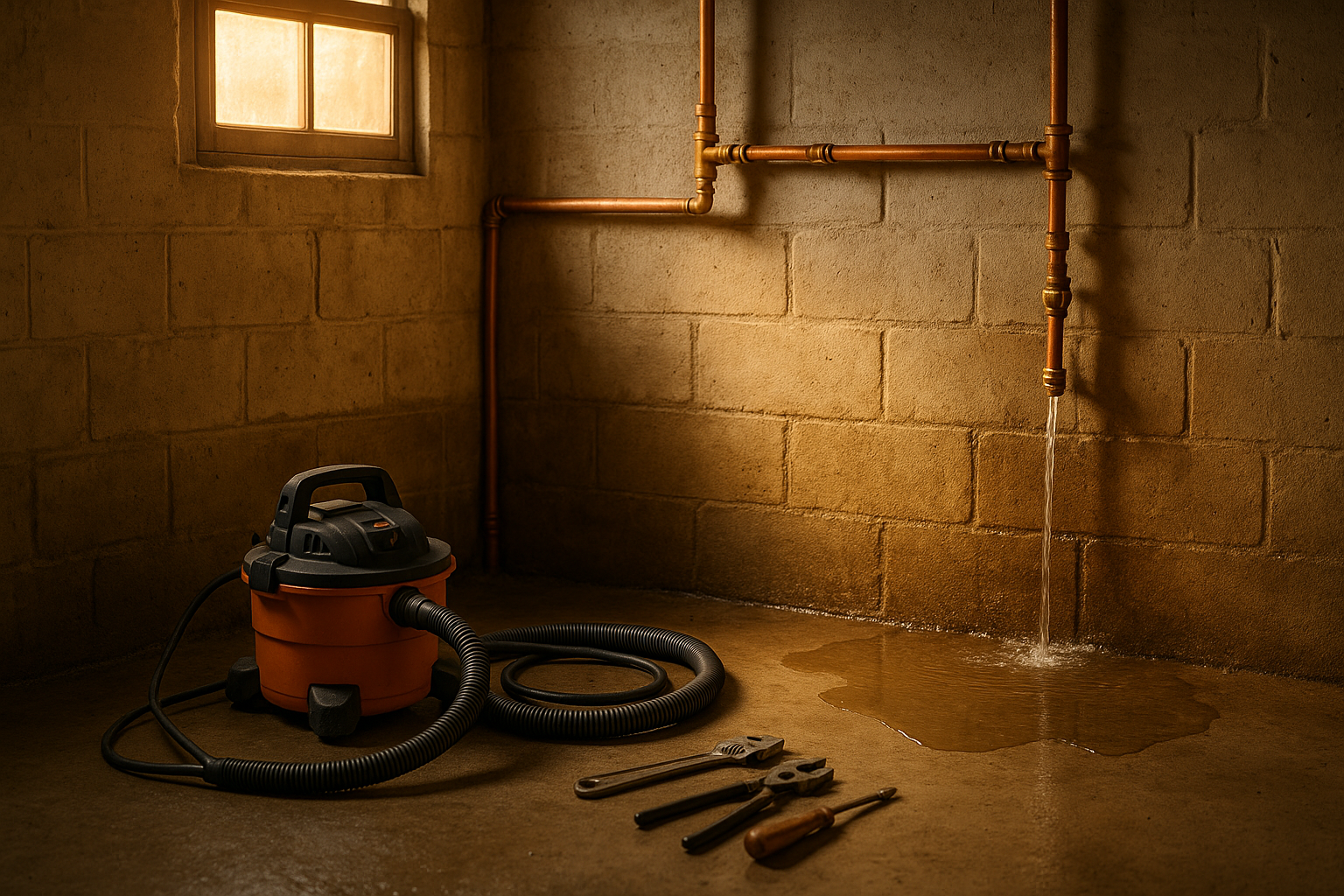
Last spring, a plumber I know in Broad Ripple told me about a call he took on a Friday evening. A homeowner in Meridian-Kessler had a burst pipe in the basement. Water was rising fast, and the family was panicking. He got there in 20 minutes, shut off the main, extracted the water, and had the pipe fixed by 9 p.m. The homeowner was so relieved she asked, "How can I thank you?" He mumbled something about leaving a Google review. She said she would. But she never did.
Sound familiar? It’s not that people don’t appreciate your work. They just forget. And when you’re busy chasing the next emergency, asking for reviews feels awkward — like you’re begging.
But here’s the thing: Google reviews are the single biggest factor in whether a new customer in Indianapolis picks you or your competitor from the Map Pack. And you can get more of them without groveling. You just need a system.
Why Google Reviews Matter in Indianapolis
Think about how you choose a restaurant or a mechanic. You check the star rating and read a few recent reviews. Homeowners do the same when they search for “plumber near me” or “HVAC repair Indianapolis.”
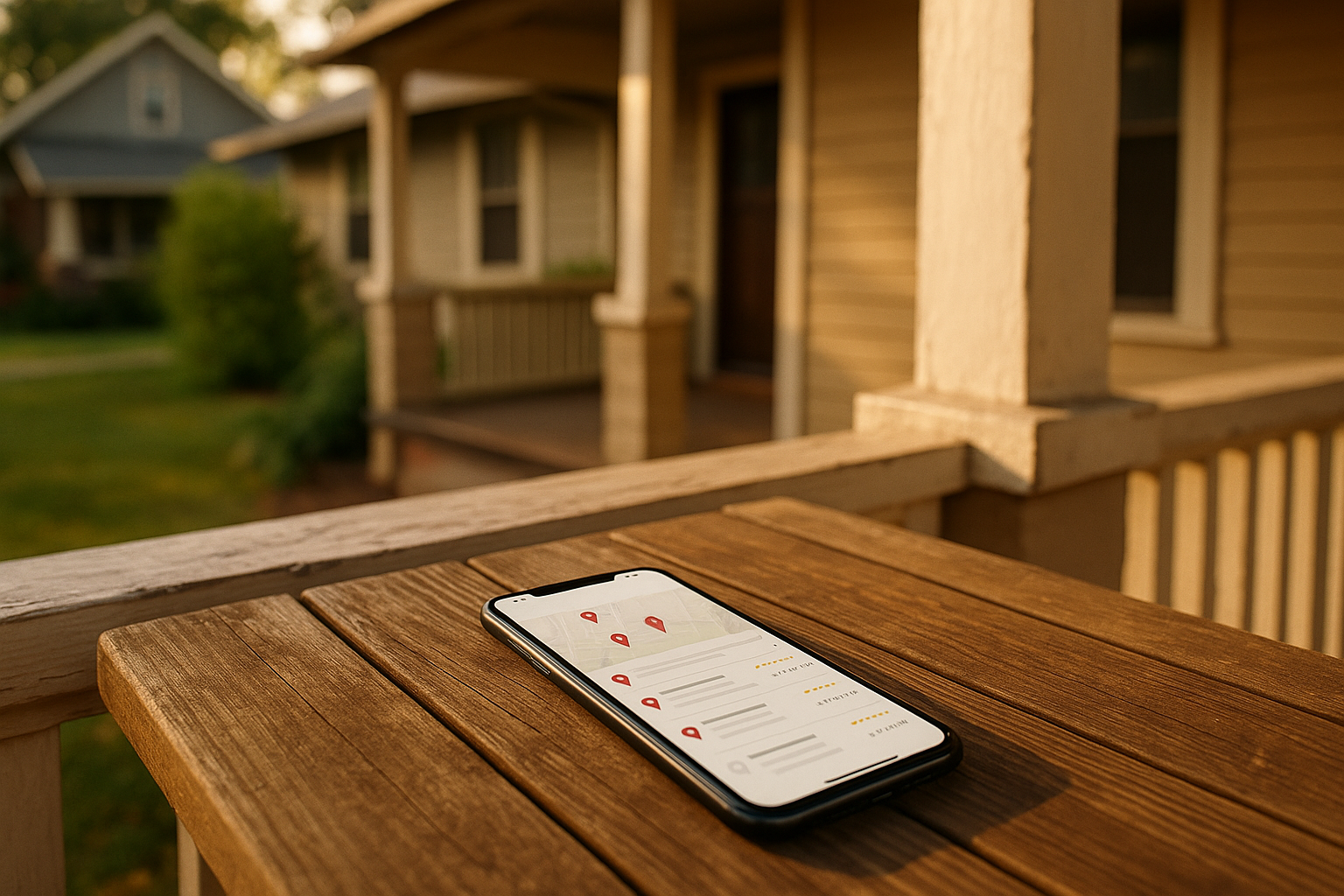
In the Map Pack — that box of three local businesses that shows up at the top of Google search results — review quantity, recency, and average rating directly affect your ranking. More reviews mean higher visibility, more clicks, and more service calls.
Indianapolis is a big metro with fierce competition. From Zionsville to Greenwood, homeowners have plenty of options. A steady stream of fresh reviews tells Google you’re active and trusted. Plus, when someone in Irvington or Butler-Tarkington reads a review from their own neighborhood, they trust you instantly.
Build a System That Works
You don’t need a fancy CRM or a big budget. You just need a repeatable process that makes it easy for customers to leave a review at the right moment.
Start With a Direct Link and QR Code
First, claim and fully optimize your Google Business Profile (GBP). Make sure your primary category says “Organization” and your secondary categories match your services (like Plumber, HVAC Contractor, etc.). Fill in your service areas, hours, and photos. Turn on messaging if you have someone to monitor it.
Then create a direct review link. You can use Google’s short name feature or generate a Place ID link. This link should take customers straight to the review form — no extra steps.
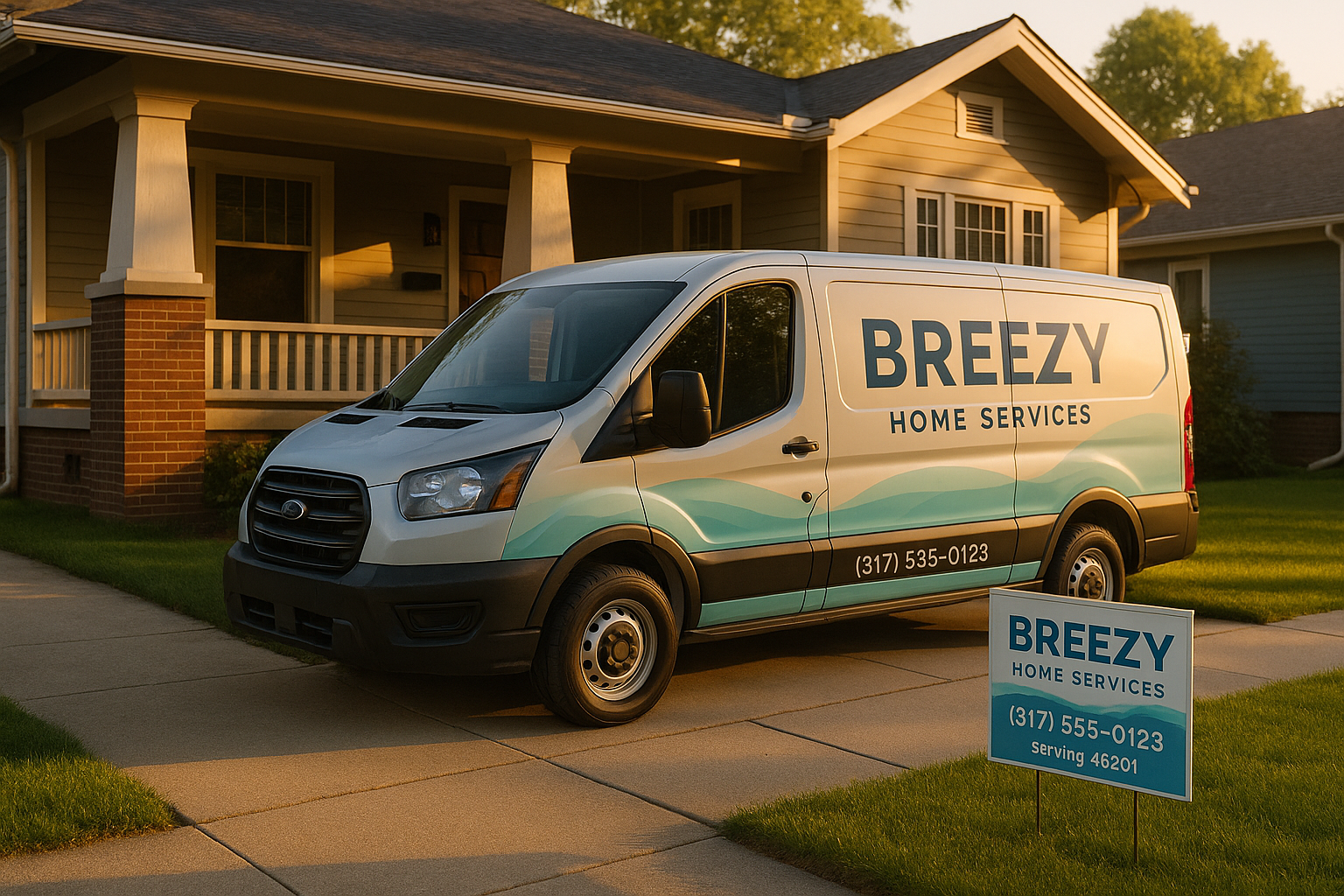
Print a QR code that points to that link. Put it: - On your invoices and receipts - On truck magnets (make sure it’s big enough to scan from a few feet) - In your email signature - On a leave-behind card for service visits
The goal is to remove friction. One tap or scan. That’s it.
Time It Right
Most happy customers are willing to leave a review if you ask at the right time. The best moment? Right after a successful job, when they’re feeling grateful.
For residential services in Indianapolis, timing also depends on season. In summer, HVAC techs are slammed with AC calls. In spring, roofers are everywhere. Winter brings plumbing emergencies. Align your request cadence with your workflow. If you just fixed a furnace during a snowstorm, ask when the heat is back on and they’re warm again.
Use Simple Scripts
Keep requests short and personal. Here’s a template:
"Thanks for letting us help today. If you were happy with the service, we’d love a quick Google review. It helps other neighbors find us. Here’s the link: [link]. No pressure — we just appreciate your feedback."
You can say this in person, or send it via text or email after you leave.
Automate the Follow-Up
If your field service software marks jobs as complete, use that trigger to send an automated SMS or email review request. Include the direct link and a one-tap button. Follow up once gently if they don’t respond — no more than that.
If you don’t have automation, that’s okay. Assign one person on your team to send review requests at the end of each day. Even a simple daily batch of texts can work.
Train Your Team
Your technicians and office staff need to be comfortable asking. Role-play for a few minutes. Make it part of the post-job checklist. Offer a small bonus or recognition for the crew that gets the most reviews (but don’t incentivize customers — that’s against Google’s policy).
Handle Reviews the Right Way
Respond to Every Review
Always respond — good, bad, or neutral. Keep it local and specific. Thank them by name, mention their neighborhood if they shared it, and reference what you did.
For a 5-star review: “Thanks, Mark! We’re glad we could get your AC running smoothly in Fishers. Stay cool this summer.”
For a negative review: Stay calm. Apologize for the experience, move the conversation offline by asking them to call or email you, and then follow up. Never argue publicly.
Here’s a sample negative response:
"Hi Sarah, I’m sorry your experience wasn’t what you expected. We take feedback seriously. Could you please reach out to us directly at [phone/email] so we can make this right? Thank you."
After you resolve the issue, you can ask if they’d consider updating their review. Many will.
Follow Google’s Rules
Google is strict. Do not: - Offer discounts, gifts, or rewards in exchange for reviews - Screen customers — ask everyone, not just the happy ones - Ask friends or family to post fake reviews - Leave reviews from your own device for multiple customers
Keep it clean. A policy violation can get your profile suspended.
Feature Reviews on Your Website
Showcasing Google reviews on your website builds trust. Use review schema (structured data) for first-party reviews you’ve collected yourself. For Google reviews, embed a widget rather than marking up third-party content. This keeps your SEO compliant.
Addressing Common Objections
“I’m too busy to remember to ask.” Build it into your workflow. A simple checklist and a few templates take five minutes a day.
“I’m scared of getting bad reviews.” Every business gets them. A few negative reviews mixed in with lots of positives actually makes you look more authentic. It’s how you respond that matters.
“My customers aren’t tech-savvy.” The QR code and direct link remove the technical barrier. You can even walk them through it on the spot.
“I don’t want to annoy customers.” One request and one follow-up is not annoying. It’s a polite ask. Most people are happy to help if it’s easy.
Track What Matters
Monitor these metrics weekly: - Review velocity (how many per week) - Average star rating - Response time - Reviews by crew or tech - Reviews by neighborhood (e.g., Carmel vs. Lawrence)
Set monthly goals. Even two or three new reviews per week adds up to 100+ a year, which is enough to dominate your local market.
How SmallOP Can Help
We’ve set up review systems for plenty of Indianapolis home-service businesses. We help you plan the workflow, train your staff, and get everything running on autopilot. We also offer policy-safe templates and lightweight automation so you can focus on the work, not the reminders.
Ready to build a system that gets you more Google reviews without the awkwardness? Schedule a quick Review Readiness Audit with SmallOP — we’ll look at your current process and show you what’s missing. No pitch, just practical advice.
The plumber from Broad Ripple? After he set up a simple system, he went from one review every couple of months to five per week. His phone rings more now, and he spends less time worrying about the Map Pack. You can do the same.
Ready to talk about your project?
Free consultation, 3D rendering, and a written quote — no pressure.