Dave runs a two-man painting crew out of Irvington. Last March, between scheduling three estimates and finishing a whole-house interior in Meridian-Kessler, he realized he hadn’t posted on Facebook in six weeks. His Google Business Profile sat there with the same photos from last summer. He knew he needed to stay visible—his best leads come from people searching “painter near me” and checking his profile—but the idea of adding “social media manager” to his plate felt ridiculous.
I’ve heard that same story from plumbers in Broad Ripple, HVAC techs in Fishers, and landscapers in Zionsville. They all get that a consistent presence matters, but the daily-hustle advice just doesn’t stick. The truth is, posting on social media consistently as a small business doesn’t mean you live on your phone. It means you have a repeatable rhythm that happens even when your week falls apart.
Let’s break down what that actually looks like.
You Don’t Need to Post Every Day
Consistency isn’t frequency—it’s predictability. If your audience (local homeowners) can count on seeing something from you every Tuesday and Thursday, that’s a win. Even one solid GBP post plus a Facebook update each week can keep you in front of people exactly when they’re thinking about hiring.
For Indianapolis service brands, a sustainable cadence often looks like this:
- Google Business Profile: 2–3 posts a week (offers, project updates, seasonal reminders).
- Facebook: 2–3 times a week (shares of your GBP posts, plus a story or review).
- Instagram: 2 times a week if you have photos ready; skip it if you’re stretched.
When you post regularly on the same days, the algorithm starts to trust you—and so do your customers. They see you as active, reliable, and open for business. I’ve seen this work for a small contractor in Greenwood who only posts Monday and Thursday mornings. His phone rings more now than when he tried to post every day and burned out.
Pick One or Two Platforms and Ignore the Rest
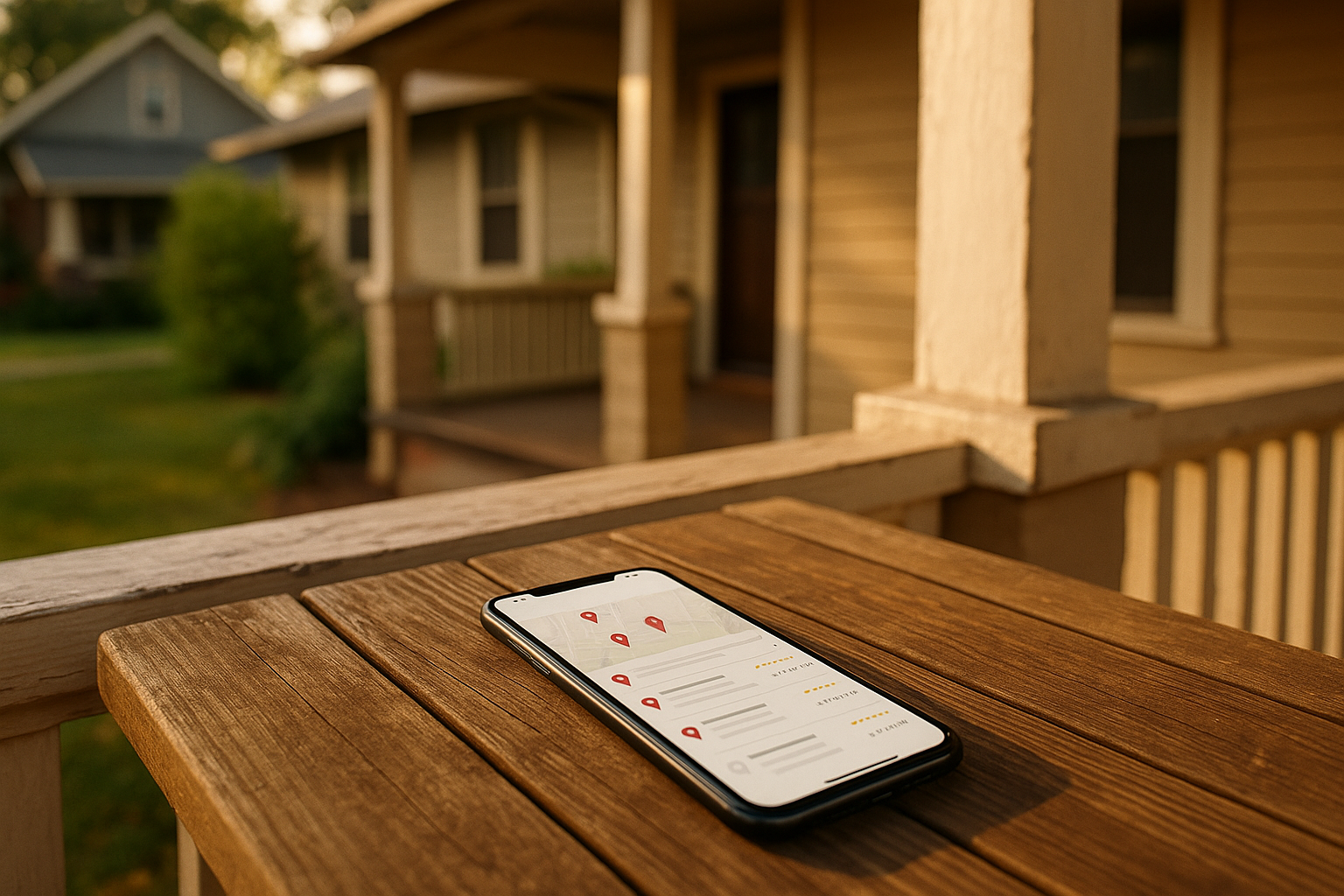
Your customers aren’t everywhere. They’re probably on Facebook checking neighborhood groups (Castleton moms, Fletcher Place dads) and searching Google for “roof repair near me.” For local home services, Google Business Profile is the single most powerful tool you have. A fresh post there can show up right when someone maps an area or checks a business’s hours. Pair that with Facebook, where you can share the same content and join local conversations, and you’ve got a combo that covers about 80% of the local intent traffic.
Instagram is great if you love visuals—before/afters, tool close-ups, finished siding on a Meridian Street colonial—but if you don’t have the time, don’t force it. Better to do two platforms really consistently than to ghost on four.
Content Pillars: Stop Guessing What to Post
Decision fatigue kills consistency. So you build a handful of “pillars”—broad buckets that you can rotate through. Here are five that work well for Indy home-service companies:
- Educate: Quick tips, like “Why your furnace smells the first time you turn it on in October” or “What that crack in your driveway really means in freeze-thaw cycles.”
- Show Your Work: Before-and-after shots, materials close-ups, a clean jobsite. (No faces needed—see the photo guidelines below.)
- Social Proof: Screenshots of reviews, a phone photo of a thank-you card from a client in Carmel, a short testimonial.
- Local Life / Seasonal: “How the humidity in late July can warp a wood deck” or “Best time to seed a lawn in central Indiana.” Tie it to real things: the State Fair, Colts season, the first snowfall.
- Clear Offer / FAQ: “Our fall gutter cleaning special for Fountain Square homes” or “How long does a water heater install take? Here’s the answer.”
Once you have those buckets, you never sit down to post wondering what to say. You just pick a pillar and drop in a relevant story or photo.
The 30-Minute Weekly Workflow
Block half an hour every Thursday afternoon (or whenever your slower day hits). Here’s a step-by-step that fits a one-person show:
- Minutes 0–5: Open your simple content calendar—just a Google Sheet with dates, topics, and photo links. Plug in next week’s 3–4 posts using your pillars. For example: Monday GBP “Tip about winter pipe prep,” Wednesday Facebook “Review from that Broad Ripple job,” Friday GBP “Before/after of the siding project in Irvington.”
- Minutes 5–15: Pull photos from your organized asset library (more on that below) and write very short captions. Two or three sentences each. No fluff. End with a clear next step: “Message us to check availability” or “See our service area here.”
- Minutes 15–25: Open your scheduler—Later, Buffer, or even just Facebook Business Suite—and slot the posts. For GBP, you can schedule right inside the platform now. Set it and forget it.
- Minutes 25–30: Jot down one reminder for the week: “Check engagement Thursday evening” or “Respond to comments Friday morning.”
That’s it. You’ve just planned a week’s worth of visibility without touching your phone on the jobsite.
A Simple Calendar That Works for Indy Seasons
Indiana weather does half your work for you if you let it. Build a 30-day template that loops through seasonal prompts:
- January–February: Frozen pipes, ice dam prevention, furnace efficiency.
- March–April: Storm prep, sump pump checks, spring cleaning for exteriors.
- May–June: A/C prep, humidity issues, window sealing, and the Indy 500 timeline (“Before the race, check your outdoor outlets”).
- July–August: Heat advisories, deck maintenance, painting in hot weather.
- September–October: Fall gutter cleaning, furnace inspections, prepping for the State Fair.
- November–December: Holiday scheduling, winter product reminders, year-end thanks.
Every month, you can pull a few themes and never run out of ideas. If you miss a week, no big deal. The calendar just slides forward.
What About Taking Photos Without Showing People?
Lots of folks in trades don’t want to feature staff or homeowners—privacy concerns, liability, or just preference. That’s fine. You can build a library of anonymous but high-quality images:
- Close-ups of tools, materials, and works-in-progress.
- Finished exteriors (garage doors, siding, driveways) with crisp framing and natural light.
- Jobsite details: clean drop cloths, neatly staged supplies, a freshly painted front door against a brick facade in Irvington.
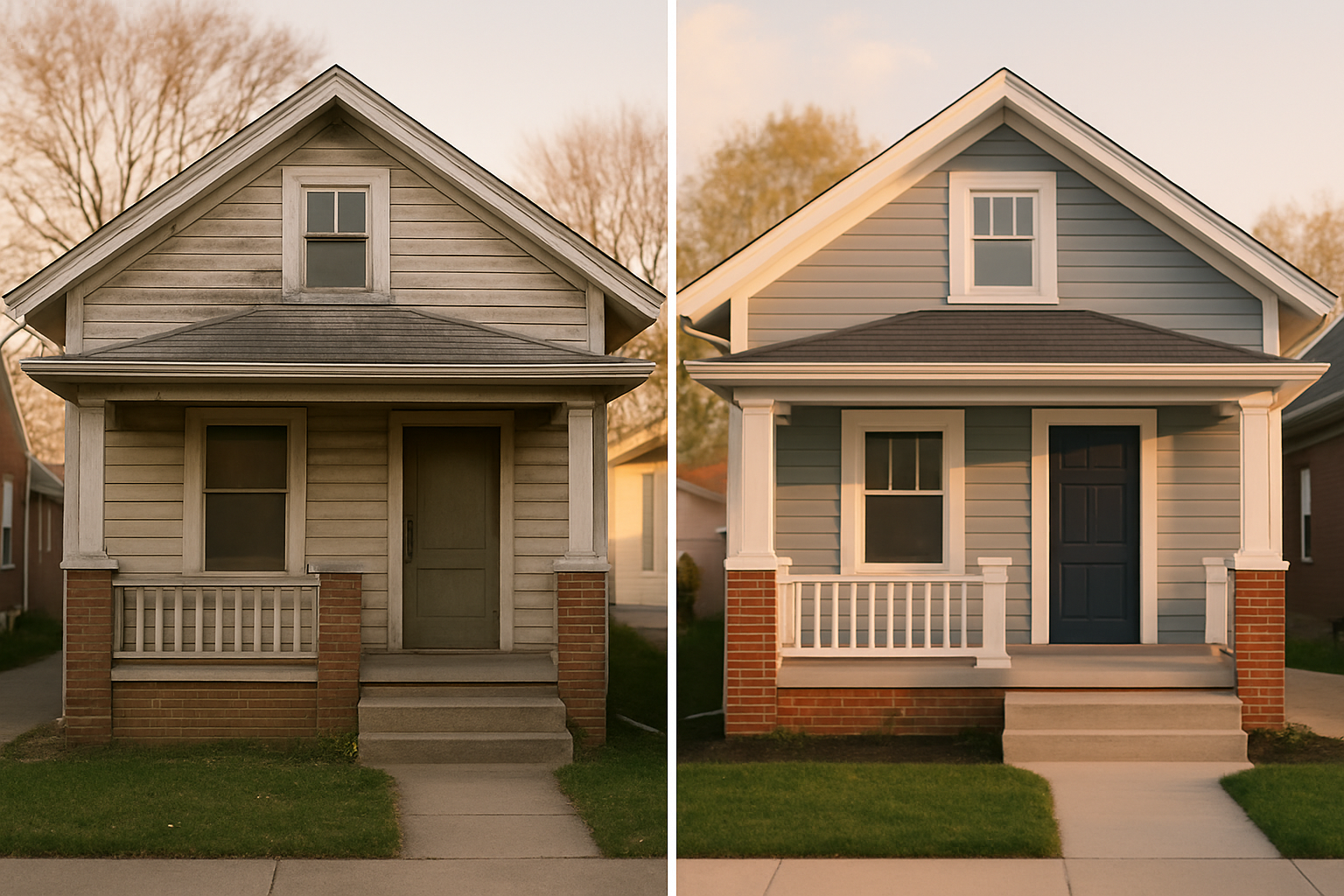
- Before-and-after pairs, with identical angles, no house numbers or faces.
Keep these in a cloud folder with a naming convention like “2025-03-Pinecrest-Deck-After.” When you batch your content, you’ve got a month’s worth of shots ready. We wrote a whole guide on getting the right images for your Google Business Profile—the same rules apply for social.
Use Reviews and FAQs as Instant Posts
Once you’ve got some five-star reviews (here’s how to ask customers for reviews), turn them into posts. Screenshot the review, overlay a quick caption: “Thanks to the Smiths in Fishers for trusting us with their bathroom remodel—tile, grout, and all.” That kind of post doubles as social proof and a project highlight.
FAQs are another goldmine. “Do I really need to winterize my sprinklers? Short answer: yes, if you don’t want a cracked pipe in April.” Answer one question a week, and you’ll build a library while appearing helpful.
Measuring What Actually Matters
Forget likes and follower counts. For a local business, the metrics that count are:
- Calls and messages that mention a post.
- Clicks to your quote form or booking link.
- GBP insights: how many people saw your post and visited your website.
Add a UTM code to any link you share (Google has a free URL builder). Then you can see in your website analytics exactly which platform brought the lead. If Facebook sends twice as many quote requests as Instagram, you know where to focus.
Tools That Keep It Simple
You don’t need an expensive stack. A free Canva account gives you templates for every platform—just drop in a photo and your logo. For scheduling, later.com or Buffer’s free tiers work fine. If you want to automate even more, our post on automation tools for small business covers lightweight options.
Your Busy-Week Backup Kit
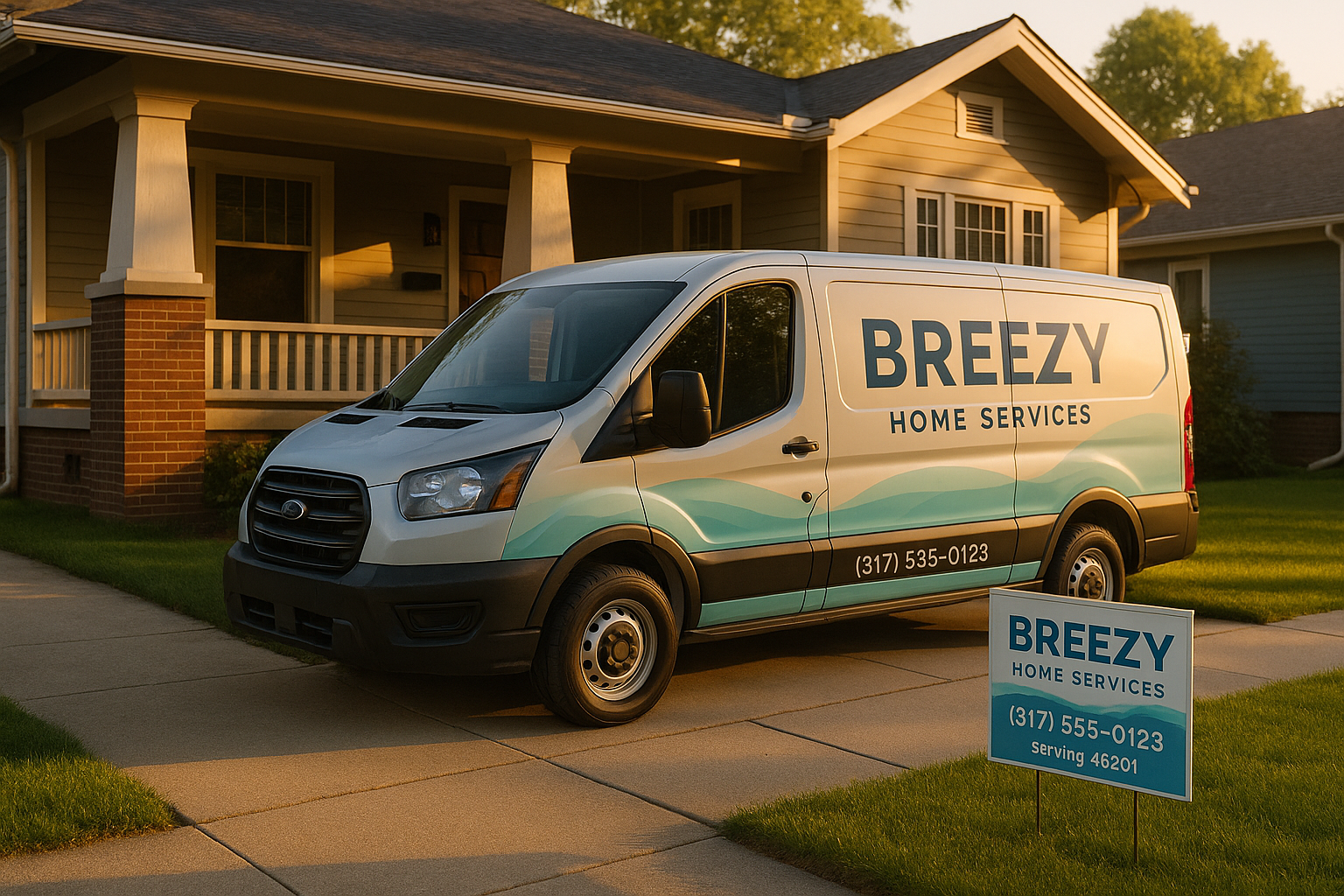
Every business hits a week where operations explode. Have five plug-and-play captions and five evergreen photos saved in a folder. A simple caption like “Whether we’re replacing a water heater in Zionsville or fixing a leak in Fountain Square, we show up on time” with a clean shot of your van or toolbox. When you’re slammed, post one of those and keep moving.
Let’s Build Your Indy-Focused Posting Plan
You don’t have to figure this out alone. At SmallOP, we sit down with home-service owners and map out a 30-day content calendar that fits your real schedule. We’ll help you choose platforms, set a realistic cadence, stock your photo library, and get a weekly workflow running in about an hour. No jargon, no daily-post pressure.
If you’re ready to feel like social media actually works for your business instead of the other way around, grab a time to chat here. We’ll build a plan that makes sense for the way you work—in Broad Ripple, Carmel, and all through the Indy area.
Ready to talk about your project?
Free consultation, 3D rendering, and a written quote — no pressure.