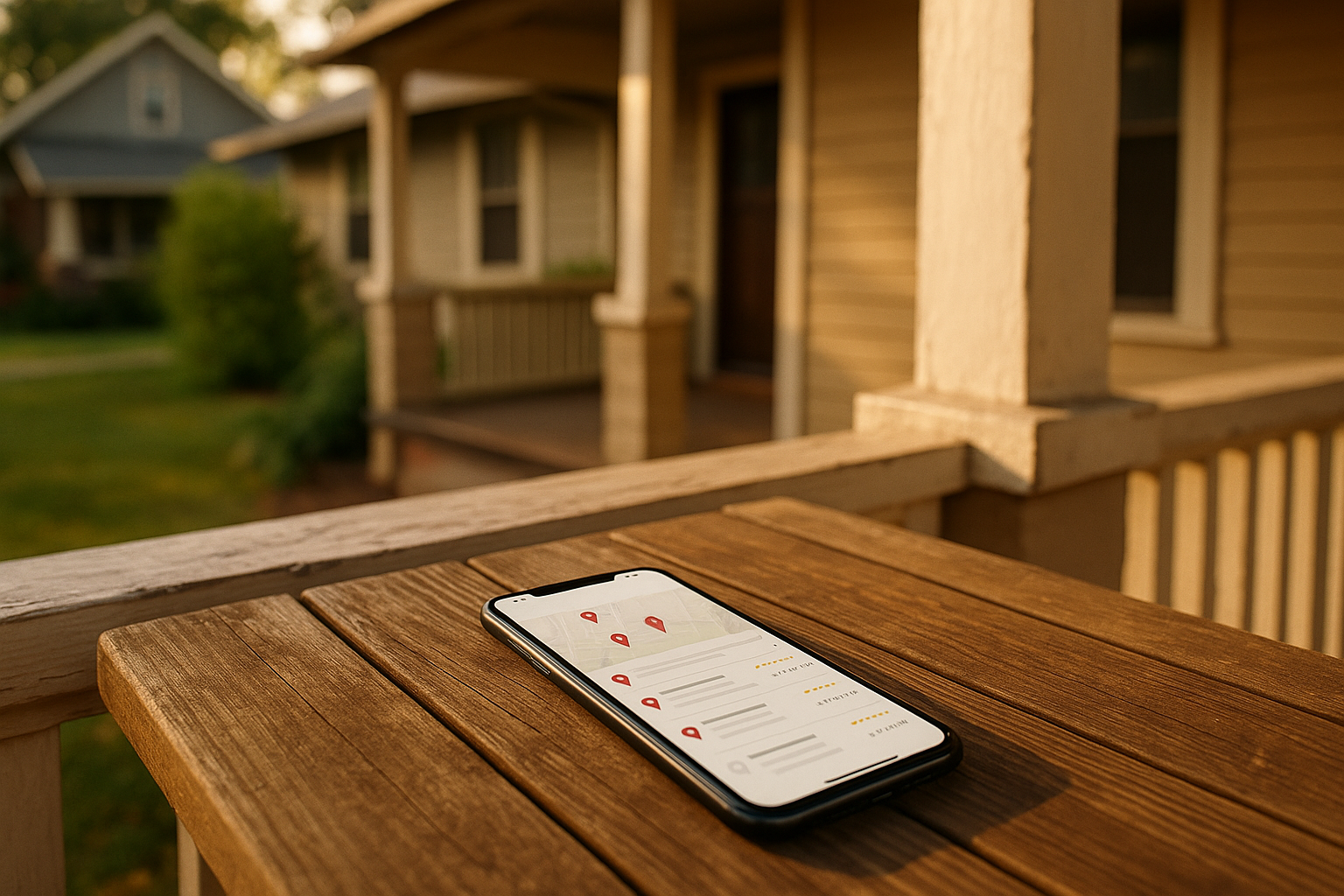
Last winter, my buddy in Broad Ripple texted me in a panic—his furnace quit at 9 p.m. He Googled “emergency heating repair Indianapolis,” saw three businesses pop up right at the top of the map, and called the first one. The guy showed up in 20 minutes, fixed it, and got a glowing review. That contractor didn’t just get lucky. He understood how the Google Map Pack works and made sure his business was there when it mattered.
That little map with three listings? That’s the Google Map Pack, and it’s the fastest way for service businesses like plumbers, landscapers, cleaners, or HVAC pros in Indianapolis to get calls. Unlike those blue organic links below it, the Map Pack sits above everything on mobile searches, and it grabs most of the clicks—especially when someone’s freezing or has a busted pipe. If you want more jobs coming through your phone, learning how to rank in the Google Map Pack isn't optional; it’s survival.
What Actually Pushes You Into the Map Pack
Google decides who shows up based on three things: relevance, distance, and prominence. Think of it like a three‑legged stool—lose one leg, and you tip over.
Relevance means how well your Google Business Profile matches what the person typed. If you fix ovens but your profile screams “roofing,” you won’t show for oven repair no matter how close you are. Distance is straightforward—the searcher’s location matters. A plumber in Fountain Square will rank higher for searches there than one in Greenwood, because Google assumes we want someone nearby. Prominence is your reputation signal: reviews, local mentions, links from other Indy sites, and how active your profile is. More people talking about you in a good way, the better.
Here’s the kicker: in a spread‑out metro like Indianapolis—where Carmel, Fishers, and Avon feel like different planets in traffic—distance hits hard. You’ll naturally rank best near your verified address. That doesn’t mean you’re stuck there, but you have to work smarter to punch into other ZIP codes. We’ll get to that.
Your Google Business Profile: The Make‑or‑Break Checklist
Your Google Business Profile (what I’ll call GBP—used to be Google My Business) is the engine under the hood. If it’s messy, you’re invisible. Here’s your flat‑out priority list.
NAP Consistency: Don’t Make Google Guess
NAP means name, address, phone number. Every place your business shows up online—your website, Facebook, Yelp, the Indy Chamber directory—needs exactly the same NAP. I’ve seen businesses use “St.” on their listing but “Street” on the site, and that tiny mismatch puts a dent in rankings. Pick one format and stick to it. For phone, use a local 317 (or 463) number with actual call capability; Google likes real numbers.
Categories That Say Exactly What You Do
Your primary category is the big kahuna—it tells Google your main thing. Choose the single most accurate one, even if you do ten other things. A company that mostly remodels kitchens but also does some bathroom work? Pick “Kitchen Remodeler,” not “General Contractor.” Then add three to five secondary categories for the other, specific services you offer. Never stuff categories you don’t actually provide; it erodes trust.
For my Indianapolis readers, this is where local wisdom kicks in. If you clear snow in winter, set your seasonal hours and consider a secondary category like “Snow Removal Service” only during those months. Same for general contracting that swings toward storm‑damage repair after a bad summer storm. Keep it accurate, but let seasonal demand shape your choices.
Services, Descriptions, and Attributes
Fill out the services section with clear, specific offerings—not keyword blobs, but stuff homeowners actually search for like “water heater replacement Broad Ripple” or “sod installation Carmel.” Your business description should be a tidy 750‑character paragraph that says who you are, what you do, and where you do it, in plain English. Avoid the temptation to cram “Indianapolis plumber” three times. Write like you’re talking to a neighbor.
Set real hours, and if you close for holidays or during a blizzard, use special hours. People hate driving to a business that’s unexpectedly closed, and Google penalizes that mismatch.
Now, what if you work from home and don’t want your address showing? Google’s service area business settings let you hide the address and list the neighborhoods you serve. Just don’t use a P.O. box or a virtual office—that’s a suspension waiting to happen. The local seo basics diving into this more if you’re curious.
Why Reviews Really Are the Fuel
I won’t sugarcoat it: reviews are the loudest signal of prominence. In Indianapolis, you don’t need thousands—I’ve seen roofers near Meridian‑Kessler rank above franchises with 500 reviews because theirs are newer, and they respond to every single one. Aim for a steady trickle, maybe two or three a month, from different neighborhoods.
Set up a simple system: after you finish a job, send a text with a short link that goes directly to the review pop‑up on your GBP. Or print a QR code on your invoice. Ask when the customer is happiest—right after they see the finished landscaping or the new water heater working. And always reply—say thanks, mention the service provided, and naturally weave in a keyword like “Thanks for trusting us with your furnace repair in Irvington!” without sounding robotic. For a full walkthrough, peek at our guide on getting more google reviews.
If you’re worried about not having enough happy clients, start by asking your loyal regulars first. Even a dozen genuine reviews will build momentum faster than buying fake ones—which Google sniffs out and may suspend you for.
Photos and Posts: Show What You Do, Where You Do It
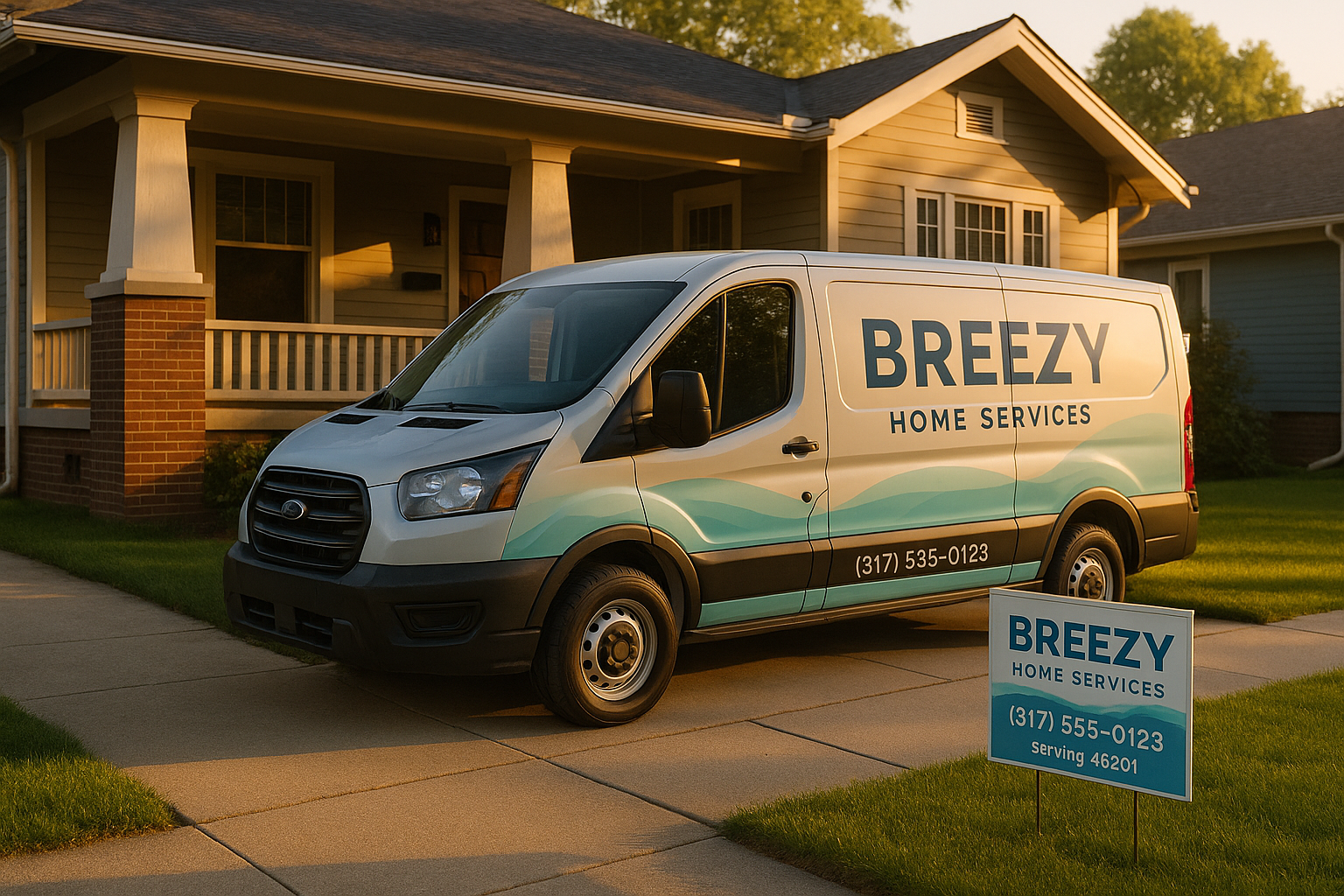
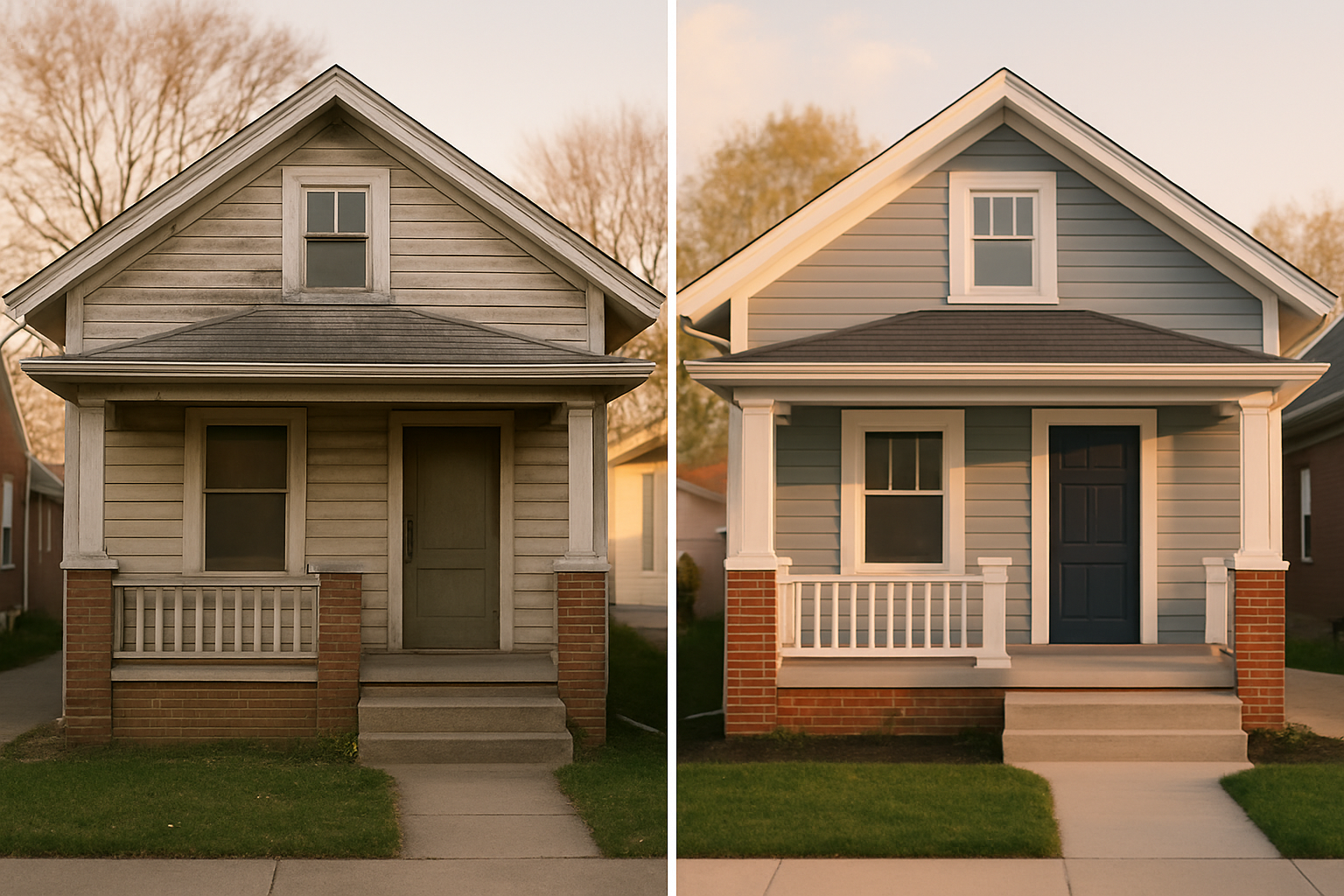
You don’t need a fancy camera. Snap clear, bright shots with your phone: the outside of your shop or your service van (no people, keep the logo), finished work like a newly paved driveway in Speedway or a clean basement after a flood clean‑up, and a few neighborhood streets that scream “Indy”—maybe a bungalow with limestone details. Google wants to see that you’re real and local.
At least once a week, add a new photo or write a short Google Post. Posts help engagement, and even though Google says they don’t directly impact ranking, they keep your profile fresh. Use them to announce seasonal specials tied to local events—like a pre‑Indy 500 promotion for car detailing, or a winter‑readiness check for heating systems. If you’re savvy, you can update your services and posts right from your website, which is one reason why even a small business needs a decent site—check out our thoughts on why every small business needs a website.
Don’t ignore the Q&A section, either. Seed it with common questions you hear daily, and answer them yourself. “Do you charge extra for weekend calls in Greenwood?”—then respond with a clear, helpful answer. It builds relevance for those phrase searches.
Beyond the Profile: Citations, Links, and Your Site
Google doesn’t live in a bubble. It checks other places for your NAP and clicks. Make sure you’re on the big directories: BBB Central Indiana, Indy Chamber’s business directory, Apple Maps, and maybe neighborhood association sites. Not just for NAP consistency, but for local citation signals. Get a link from a reputable local source—say you sponsor a Little League team in Lawrence or contribute supplies to a community garden in Fountain Square—and Google notices. Those local mentions add weight to your prominence.
On your own website, embed your Google Map on the contact page and use LocalBusiness schema markup so search engines can digest your address, hours, and services accurately. If you cover multiple suburbs, build service pages for each—“Plumber in Carmel, IN” or “Lawn care in Avon”—with unique content and local flavor. Don’t just copy‑paste. Talk about neighborhood‑specific things: permit quirks in Marion County, the soil type in Meridian‑Kessler that affects landscaping, or how you navigate I‑465 construction to get there quickly. That kind of stuff builds relevance for those areas without needing a physical office there. We cover the basics of this in our local SEO for small business guide.
Keep an Eye on Things and Tweak
You can’t fix what you don’t measure. Inside your GBP dashboard, track calls, direction requests, and website clicks. Add UTM parameters to the website link so Google Analytics can show you exactly which customers come from the Map Pack. Check your ranking not just for the whole city but by ZIP code—you might rank great in Irvington but poorly in Fishers. That’s your cue to gather more reviews from Fishers clients or build a dedicated page for that area.
Set a monthly rhythm: post a photo, ask two or three recent clients for reviews, and scan your profile for any competitor spam—fake listings, keyword‑stuffed names, wrong addresses. Use the “suggest an edit” feature to flag them. It’s a boring chore, but it protects your turf.
If you feel overwhelmed or worry about making a wrong move that triggers a suspension, remember you don’t have to wing it. Getting a second set of eyes on your setup can prevent months of lost visibility. I’ve seen too many owners spin their wheels with duplicated listings or miscategorized services. Let’s dodge that.
If you’d like me to run a quick Map Pack audit for your Indianapolis service area and give you a step‑by‑step action plan, head over to our quote page and we’ll sort out a no‑pressure game plan. No fluff, just the stuff that’ll move the needle—neighborhood by neighborhood.
Ready to talk about your project?
Free consultation, 3D rendering, and a written quote — no pressure.