Last February, I was on the phone with Mike, a plumber out of Broad Ripple. He was ready to throw his phone across the room. "I'm showing up at the bottom of the map pack, man. I've got a dozen five-star reviews and we're losing calls to some chump with a fake business name." Mike's story isn't unusual. A lot of local service owners around Indy feel like Google's playing favorites. But the fix isn't a secret — it's just a step-by-step process that anyone can follow. And once you get it right, the phone starts ringing. Let's walk through how to optimize your Google Business Profile so you can pull in more leads without pulling your hair out.
Claiming, verifying, and cleaning up your listing
Before you mess with anything, you need to actually own your profile. If you haven't claimed it, go do that now. Google sends a postcard to your address — or these days you can do a video verification if you're a service-area business working from home. (Yeah, you can hide your address. More on that in a sec.)
While you wait for that postcard, search for your business on Google Maps and make sure there aren't duplicate listings floating around. I've seen plumbers with three separate profiles for the same shop — and that just confuses Google and splits your reviews. If you spot a duplicate, you can suggest an edit and mark it as a duplicate, or use Google's Business Redressal Form. Clean house first.
Picking the perfect category and service area
Your primary category tells Google what you actually do. Be specific. If you're a plumber, pick "Plumber" — not "Plumbing service" if that's not the exact category. And don't go overboard with secondary categories. Add only the ones that you truly offer. A roofer doesn't need to list "Electrician" just because they swap out a bathroom fan now and then. It waters down your relevance.
Now, if you work out of a home office or a warehouse that customers never visit, you're a service-area business. In your GBP, hide your address and set your service area around Indianapolis. Don't pick the whole state of Indiana. Stick to the ZIP codes you actually serve — downtown, Fountain Square, Meridian-Kessler, up through Carmel and Fishers. That helps Google show you when someone nearby searches for "plumber near me".
Making your profile look and feel local
People in Indy trust locals. So your profile should scream "neighborhood expert" instead of "generic corporation". Start with a clear, punchy description that tells folks what you do, where you work, and what makes you different. Something like: "We're a family-run HVAC crew keeping homes cool in Broad Ripple and warm in Fishers since 2007. Fast, honest, and we clean up after ourselves." Notice how that mentions real neighborhoods? That's the stuff Google and customers eat up.
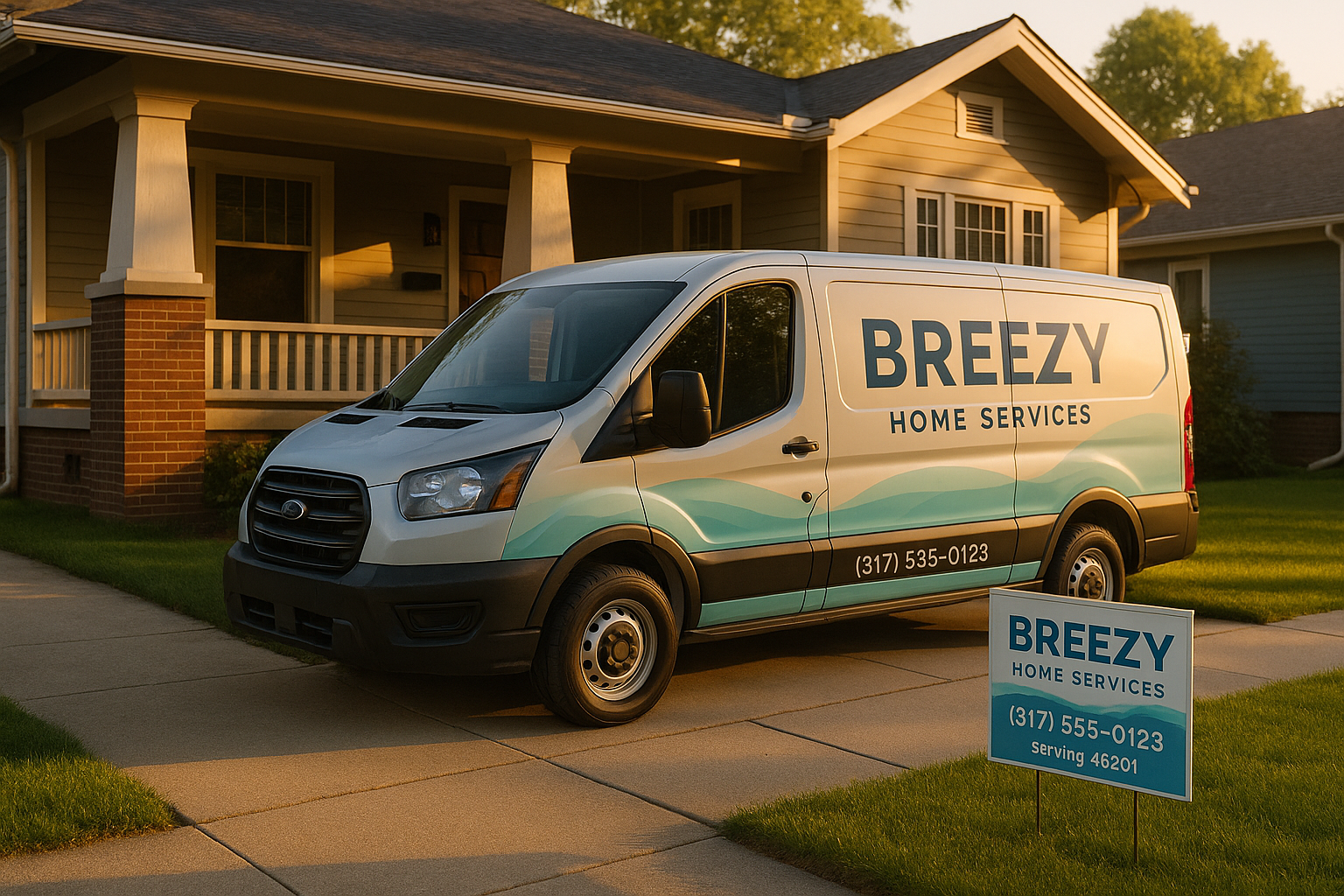
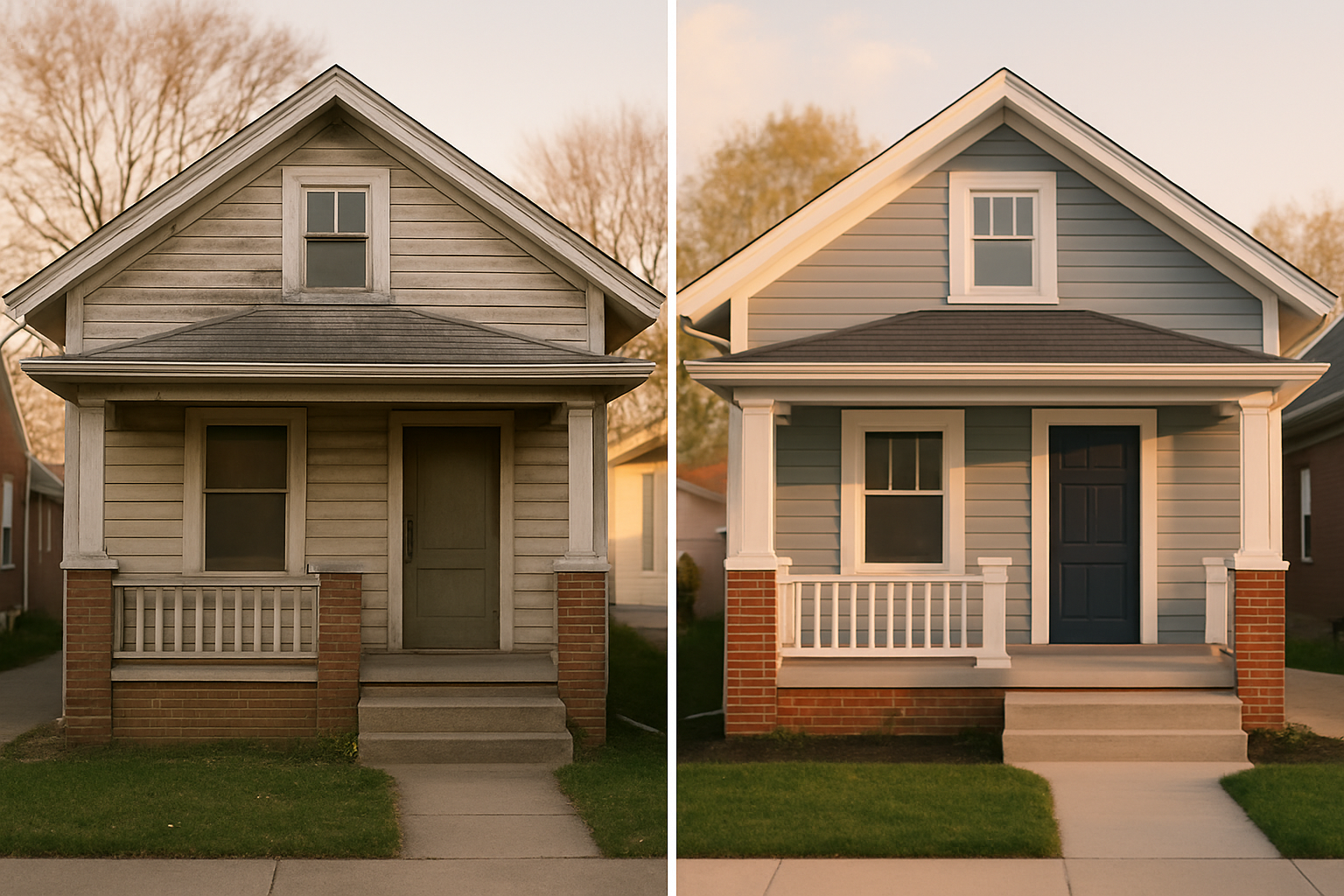
Photos matter big time. Don't just snap a blurry picture of your van. Take a few clean shots: the front of a classic Meridian-Kessler brick ranch, your team in action (but from behind so we see the work, not faces), a before-and-after of a water heater install in a Greenwood basement. Name the image files something useful, like "indianapolis-furnace-repair-greenwood.jpg" instead of "IMG_0047.jpg". And keep the EXIF data — that's the embedded info about camera, location, and time — because it can add local signals.
Posts? Yeah, you need to do those. Once a week, add a quick update. During winter, talk about frozen pipe prevention. Right before the Indy 500, remind people to check their sump pumps in case the party crowd floods the streets. Include a link to your website, but use a UTM tag so you can see in GA4 how many people actually clicked. Otherwise, you're shooting in the dark.
Add your services into the built-in "Services" section — not just "plumbing" but "drain cleaning", "water heater repair", "sump pump install". And if you offer a seasonal special, list it under Products. Like "Fall Furnace Tune-Up — $89 in Carmel". Get those up with a photo and a link to book.
The engine that keeps your phone buzzing
Reviews. Yeah, you knew we'd get there. Mike from Broad Ripple was stressed because he thought begging for reviews would get him suspended. You can't offer discounts or freebies for them, but you can just ask. After a job well done, text the customer a short link straight to your review page. Make it easy. (If you want the full scoop on reviews without breaking rules, we've got a breakdown over on our blog.)
Answer every review, even the short ones. A simple "Thanks, Sarah! We're glad the toilet's back in business." shows that you care. If someone drops a one-star because their invoice was higher than expected, take it offline: "We're sorry to hear that. Please give us a call at 317-xxx-xxxx so we can make it right." And always, always stay calm. Future customers read those replies.
Q&A is another feature most folks ignore. Go add your own top three questions now: "How much does a typical drain cleaning cost in Indianapolis?" "Do you offer emergency service on weekends?" Then answer them clearly. It stops the same five people from calling just to kick tires.
Enable messaging too, but set it to give an auto-reply directing them to call for emergencies. And turn on call tracking so you know which searches turned into phone calls.
Tracking what actually works
Too many guys, they set it and forget it. But you're missing gold if you don't check your GBP Insights. Look at how people find you. Are they searching for your name, or for "plumber near Broad Ripple"? What photos are they tapping on? Connect GBP to Google Search Console and GA4. Use UTM parameters on your appointment link and any post links. Then you can see: did that "frozen pipes" post in January actually send people to your booking page? If not, try a different offer or a better photo next time.
Also, watch your competitors. If you see a new listing in Carmel called "Best HVAC Repair Indianapolis 24/7 Cheap", that's spam — they're keyword stuffing the business name. Report it via the Redressal Form. Don't let 'em game the system while you play fair.
Staying out of trouble with Google
If you hear stories about profiles getting suspended, that usually happens when someone ignores the rules. Don't put "Indianapolis" in your business name unless it's your legal name. Keep your NAP — name, address, phone number — exactly the same everywhere, down to the suite number. If your address is different on your website than on GBP, you're asking for a penalty.
And if you run a multi-location business, create a separate profile for each actual address. No ghost listings for different service areas. Use store codes to stay organized. For the website, build unique landing pages for each location and link to them from the GBP with UTM tags.
Specials hours matter too. Around Indy, when we get hit with a blizzard in February or a heat wave in July, you might want to show extended emergency hours. Update those in your dashboard. And during big events like the Indy 500, set special hours if you expect slow demand or need to reroute.
Let's get you showing up where it counts
You could spend Saturday mornings tweaking all this, or you could have someone who's done it for a dozen service companies around Indianapolis give you a checklist. We at SmallOP do these audits all day long — we'll look at your categories, your reviews, your photos, and tell you exactly what's holding you back. No pressure, no long contracts. Just straight talk. If you're ready, grab a slot right here and we'll walk through it together.
Ready to talk about your project?
Free consultation, 3D rendering, and a written quote — no pressure.