Mike runs a small HVAC shop out of Irvington. For a while, his phone rang a lot less than he wanted. He tried Facebook, bought some ads, nothing really stuck. Then one day a customer called and said, “I saw that tuna-up special right on your Google listing. Is that still good?” Mike had almost forgotten he posted that offer three weeks back. That 20-second post brought him three calls that week—and a new regular who told the whole route about him.
That’s the kind of story I hear over and over from service guys around Indy. The free, easy-to-use Google Posts feature on your Business Profile can actually put your phone lines to work. But most folks either ignore it or mess it up with blurry photos and stale offers.
What even are Google Posts?
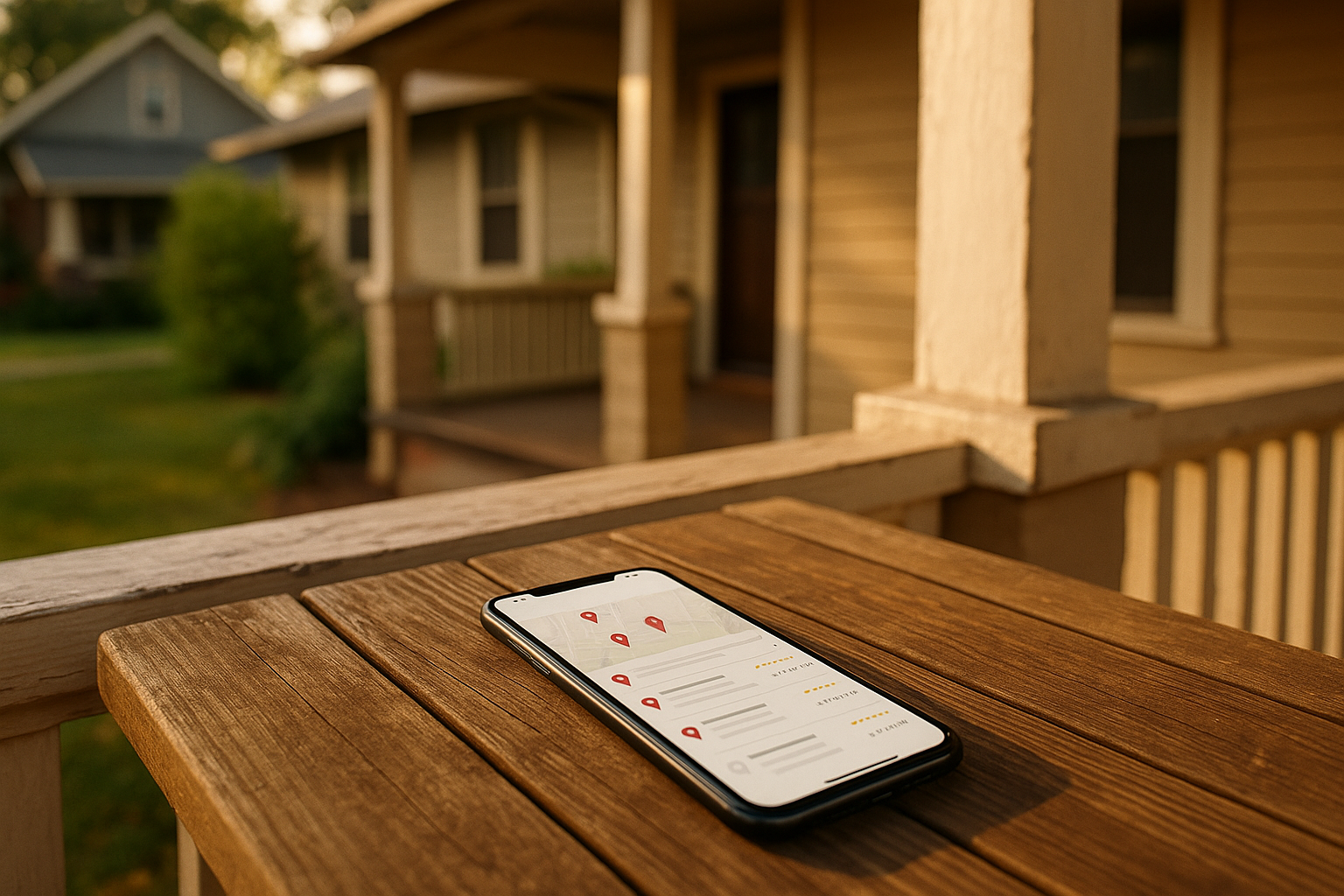
You know that little section that pops up when someone looks up your company on Google Maps or Search? Those are your Google Business Profile posts. They can be updates, offers, events, or little product cards. Think of them like mini billboards that sit right beneath your phone number, reviews, and directions button. And when someone’s searching for “roofer near me” or “plumber Meridian-Kessler,” your latest post could be the thing that clinches the call.
Google gives you a few types: - What’s New: Quick tips, job photos, “We’re working in Fountain Square all week.” - Offer: Time-bound deals like “$99 AC tune-up in Broad Ripple—includes 21-point inspection, expires May 31.” Attach a coupon code or let them just click Call. - Event: Workshops, open houses, or local tent events (I’ve seen a door company run an “Indy 500 Week Special” this way). - Product: Evergreen services packaged as products. A landscaping crew might post “Spring Cleanup Package” that stays up for months.
Why bother with Posts?
A lot of folks ask, “Does this actually help my ranking or just get clicks?” It’s more about engagement signals. When people click, call, or request directions from your profile, Google notices. That tells the algorithm, “This business is popular and relevant for this query.” So it’s not a direct ranking factor, but it feeds the whole system. Plus, a fresh post shows you’re active—something many competitors ignore.
If you’re also working on your online reputation, consistent Posts can help push stale reviews down the profile, too.
A posting plan that won’t eat your lunch break
I know you don’t have time to post every day. Once or twice a week for What’s New updates is plenty. For Offers, set real start and end dates—nothing worse than a “winter special” still up in June. Events expire automatically, which is nice. Review everything once a month, delete stuff that’s done, and replace it.
Here’s a simple writing formula I’ve seen work for plumbers, roofers, and the like: - Lead with the job or problem: “Got a clogged kitchen sink in Fishers?” - Mention the area: “Our guys are in Marion County tomorrow.” - Add one real benefit: “We’ll snake it same-day, no trip charge.” - One clear CTA button: “Call now” or “Book.” Don’t stuff your phone number in the text—that can get you rejected, and the Call button does it better anyway.
Pictures that don’t look like stock-photo disasters
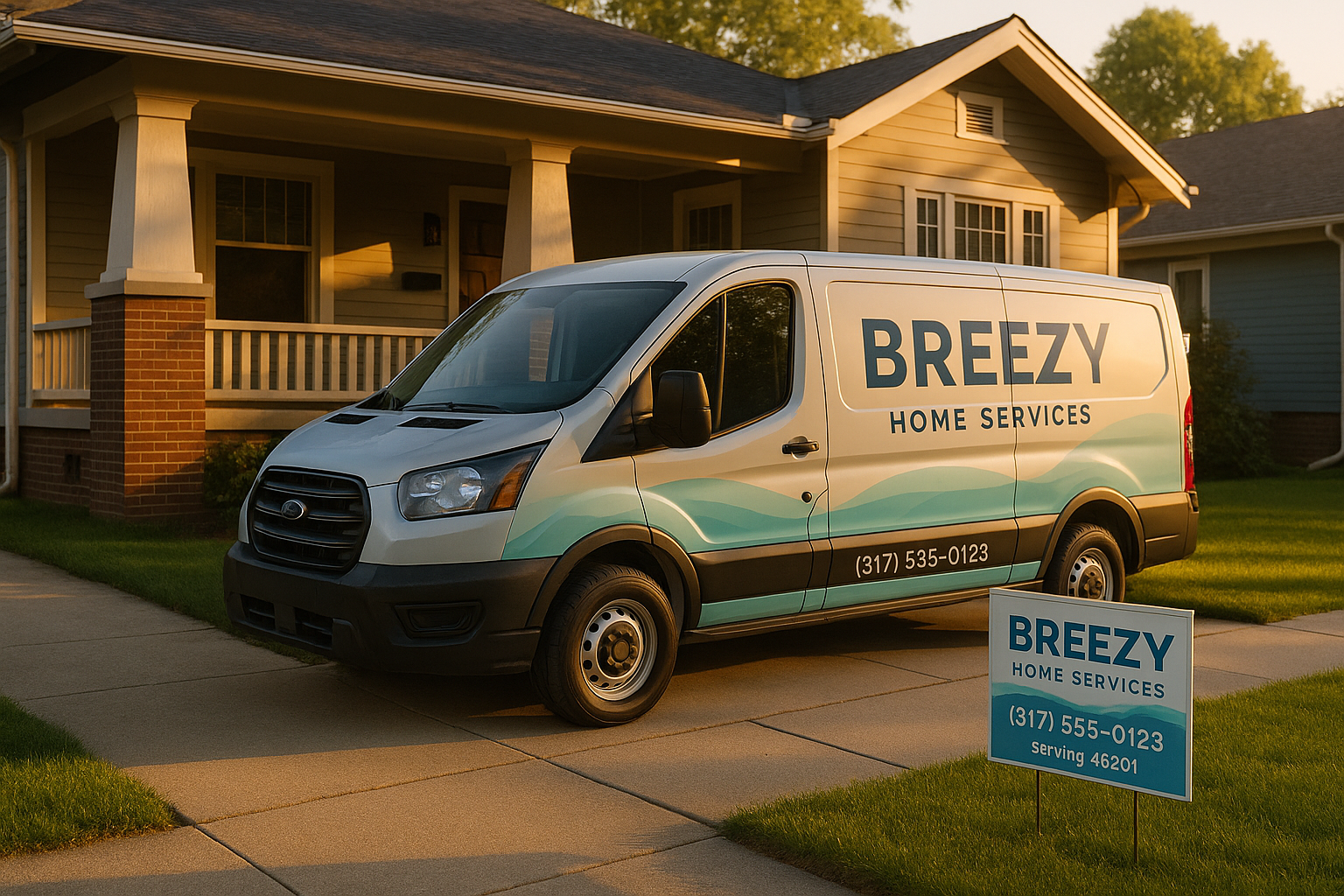
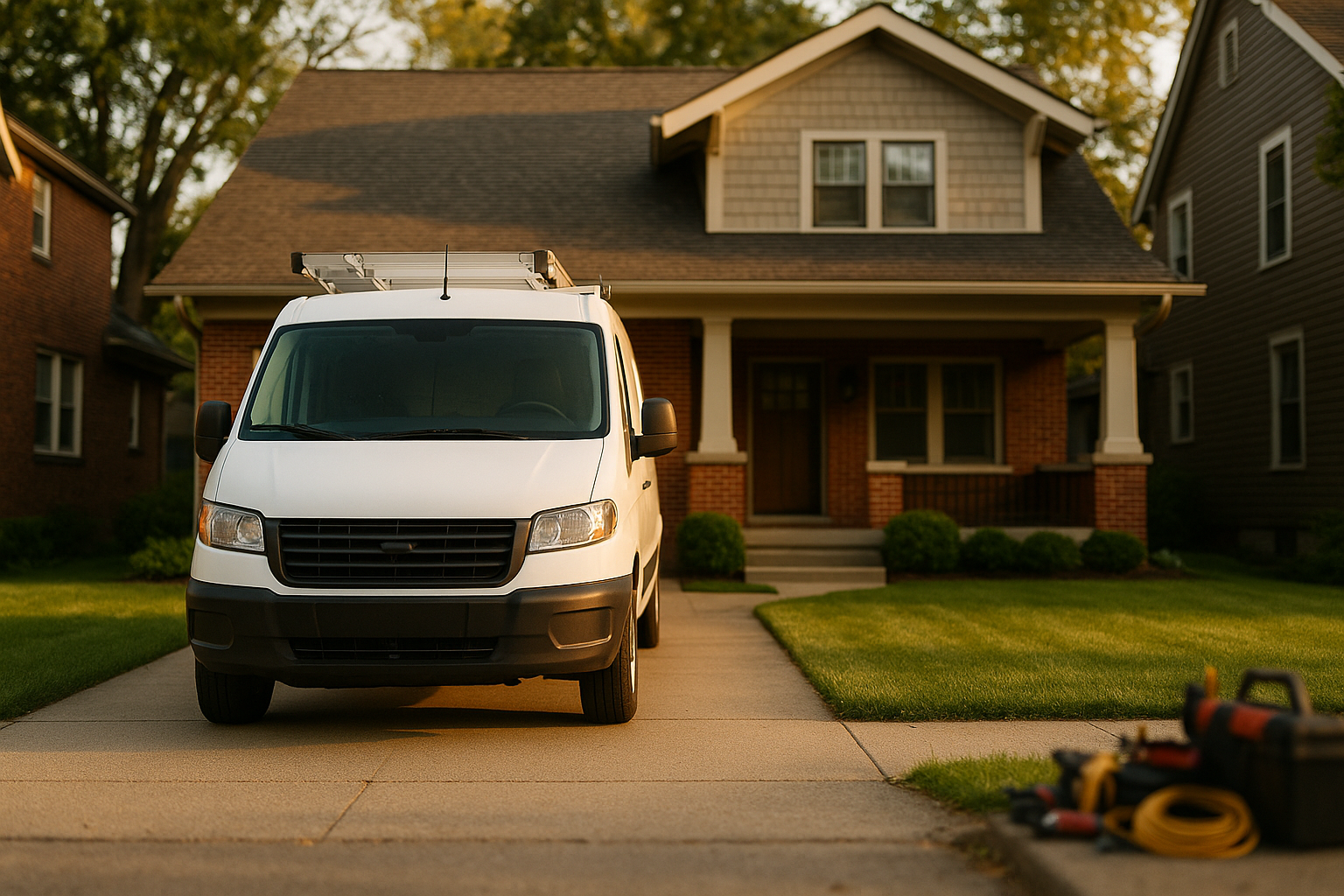
We’ve all seen those cheesy stock images of smiling plumbers who’ve never held a wrench. Don’t do that. Use photos you take—your actual crew, a real Broad Ripple house, a before-and-after of a gutter cleanout. Keep the size at 1200×900 pixels, center the subject so it doesn’t get cropped weird on phones. No text overlays, no giant logos across the work van. Natural daylight looks best (golden hour after work counts).
If you’re posting a short video, keep it under 30 seconds—somebody’s kitchen faucet getting fixed, or a walk-around of a completed roof job.
Don’t get your post rejected
Google’s picky. Avoid phone numbers, email addresses, or lines like “Best roofer in Indy!!!!” in the post content. No claims you can’t prove—no “A+ rated” unless you really are. Use the built-in CTA buttons like “Learn more,” “Call now,” or “Book.” They’re there for a reason, and they look clean.
Track what’s working (without a PhD)
Measuring ROI doesn’t have to be a mystery. In GBP Insights, you can see how many people viewed your post, clicked, or called from it. But to tie it to actual leads in Google Analytics, add UTM parameters to your “Learn more” links. Something like: ?utm_source=google&utm_medium=organic&utm_campaign=gbp_post_offer_q4. Then in GA4, you’ll see exactly how many quote forms came from that post. Even simpler: use a unique coupon code (“FALLGUT25”) and have your office staff ask callers where they saw it.
An Indy-focused content calendar
I love this part because it’s where we tie in what’s really happening outside. Around here, the weather basically writes the schedule: - March-April: Spring gutter cleanouts, sump pump checks—our basements see a lot of rain. - May: Indy 500 week specials. Lots of folks prep their yards for parties, so landscapers and deck guys can ride that wave. - June-August: AC tune-up offers, maybe a “Beat the Heat” campaign. Reference which neighborhoods you’re in that day—Carmel one day, Irvington the next. - September-October: Furnace checks, leaf guard installation. State Fair ends, people shift to indoor preps. - November-December: Holiday lighting, pipe insulation tips before the freeze.
You don’t need to list every suburb each time. Rotate micro-areas naturally based on where you actually worked. If we finished a roof in Meridian-Kessler yesterday, that’s a natural post with a photo and a mention.
Common goofs I see
- Stock photos that scream “fake.”
- Multiple offers stacked up that conflict (“$50 off” and “$75 off” both active).
- Letting posts expire with nothing new up.
- Ignoring the Q&A section and reviews that sit right there beside your Posts. Your newest Post might catch an eye, but a bunch of unanswered questions will undo all that goodwill.
If you’re also posting on social media, that’s great—but know that GBP Posts reach people actively searching for your service, which is a different mindset than scrolling Facebook. And they don’t have to be the same content. Repurpose smartly. Check out our thoughts on social media for service businesses for more.
“But I barely have time to breathe”
I hear you. Try batching: take a bunch of photos during a job, write a few posts all at once, schedule them on a calendar. Even better, map out 90 days at a time. Monday morning, review what’s live, swap out expired offers. It takes maybe 15 minutes a week once you get the hang of it.
Let’s build a real plan
Not every business owner wants to become a Google Posts expert—that’s totally fine. Sometimes you just need someone to set up the system, train your office person, and hand you a 90-day content grid with UTM tracking already baked in. That’s exactly what we do at SmallOP. If you want a no-pressure chat about putting a simple, local-focused Posts plan in place, grab a 20-minute consult. We’ll look at your profile, your neighborhoods, and what you can actually keep up with. No fluff, just a clear workflow that’ll get your phone ringing from your Google listing.
Ready to talk about your project?
Free consultation, 3D rendering, and a written quote — no pressure.