Last February, a handyman I know in Irvington almost lost his spring rush. He’d moved from a rented garage near Fountain Square to a bigger workshop in Lawrence. He updated his Google Business Profile the day he moved. But weeks later, clients were still showing up at the old address, calling the disconnected number, and leaving angry voicemails. The problem? A half-dozen directory sites still listed his old location, and one of them had automatically syndicated the wrong phone number to three different apps. He lost at least five good jobs before he figured out that his online listings were a mess.
That’s the hidden foundation of local search — and it’s something most Indianapolis service businesses ignore until they’re bleeding calls. If you run a plumbing, HVAC, roofing, lawn care, cleaning, or remodeling company in Indy, your local business online listings and citations aren’t just a background task. They’re how Google decides you’re trustworthy, how Apple and Bing map users find you, and whether a homeowner in Broad Ripple picks you or the competitor two blocks away.
What Are Online Listings and Citations?
A listing is simply your business showing up on a directory — Google Business Profile, Yelp, Angi, the Indy Chamber member page, even Nextdoor. A citation is anytime your business name, address, and phone number (NAP) appear online, even if there’s no link to your website. Think of citations as references. If your NAP keeps showing up the same way everywhere, Google’s algorithm nods and says, “Yep, this business is real and established.” Get it wrong, and you confuse both the search engine and potential customers.
One common question I hear: “Don’t I just need Google and Facebook?” That’s like only handing out business cards at one coffee shop and expecting the whole city to know you. Can it work? Maybe. But in a market as competitive as Indy — where HVAC, roofing, and lawn care companies jostle for the top of the Map Pack — you need your citation footprint to be bigger and cleaner than the next guy’s.
The NAP Consistency Rule
Here’s the thing that trips up even experienced owners: everything has to match. Your business name, street address, phone number, website URL, business hours — every character counts. If you’re “Bob’s Plumbing” on Google but “Bob’s Plumbing & Heating” on Yelp, that’s a mismatch. If Google shows “123 Main St” and Bing shows “123 Main Street,” that’s a mismatch. Google’s algorithm doesn’t know you’re the same business; it treats you like two half-trustworthy entities.
For Indianapolis addresses, use USPS standard formatting: “St” not “Street,” “Rd” not “Road,” and “Ste” instead of “#” for suites. Pick one primary phone number — a local 317 or the 463 overlay — and stick with it. If you use a tracking number, we’ll get to that carefully later. I’ve seen companies switch cell carriers, lose their old number, and suddenly have a dozen directories with dead lines. Fixing that is a slow, painful crawl.
Consistency also means your chosen categories. On Google Business Profile, you get a primary category and extra secondary ones. Choose precisely what you are — “Plumber,” not something vague like “Plumbing Service.” If you also do HVAC, make that a secondary; don’t smash it into your business name (that’s actually against Google’s rules and can get your listing suspended). More on categories in a minute, but the rule is: nail your categories on each platform, and make them match across directories as much as possible.
Which Directories Actually Move the Needle?
No, you don’t need to be on every site that pops up. Start with the heavy hitters: Google Business Profile, Apple Business Connect, and Bing Places. These feed directly into map apps on billions of devices. Next, claim profiles on the vertical sites that matter for home services: Angi (formerly Angie’s List, founded right here in Indy), Thumbtack, Houzz, Porch, and even Yelp despite its polarizing reputation. Then layer in local and trusted regional directories like the Indy Chamber member directory, BBB of Central Indiana, and neighborhood platforms like Nextdoor.
I’ve seen a Greenwood lawn care company pick up three new recurring jobs just from a complete Nextdoor business page with honest photos and a handful of neighbor recommendations. No ads, no gimmicks — just showing up where people were already asking for lawn care.
Service-Area Business? Hide That Home Address
If you operate out of your house — many plumbers, handypeople, and cleaners do — you’re what Google calls a service-area business (SAB). That means you should hide your physical address on your Google Business Profile and list the specific cities or ZIP codes you serve. In Indy, that often means covering Marion County and surrounding places like Carmel, Fishers, Noblesville, Greenwood, and Plainfield. Don’t use a PO Box or a UPS Store address; Google will reject it. Instead, when setting up, specify your service areas and let your profile show only “Indianapolis” and the outlying towns.
A mistake I keep seeing: SABs that list a residential street address publicly. Beyond privacy, it can break local ranking trust. The algorithm expects you to serve customers at their location, not yours. Setting service areas instead of a storefront address helps you show up in searches for “plumber near me” in those suburbs without confusing the system.
Audit, Clean Up, Then Expand
Before you go claiming new spots, do a citation audit. Open a spreadsheet — your master NAP sheet — and write down exactly how your name, address, and phone should appear everywhere. Then start searching your business online and on major directories. Log what you find. You’ll likely uncover duplicates (from old locations or variations), outdated phone numbers, or incorrect categories. Delete or merge the dupes first. Google’s own support can help with duplicate suppression, but for other sites, you may need to claim and remove or update.
Once your core sites are clean, expand to smaller directories methodically. Data aggregators like Data Axle, Neustar/Localeze, and Foursquare can push your info to hundreds of sites automatically. They’re useful, but be careful: if your data is wrong when you submit, you’re just spreading bad info faster. I generally suggest manual claiming on the top 10–15 directories and using aggregators only after you’ve verified your NAP is spotless.
Categories, Descriptions, and Photos That Click
Choose categories that describe what you actually do, not what sounds impressive. If you’re an electrician, your primary should be “Electrician,” and secondary might be “Lighting contractor” or “Generator shop.” Don’t stuff them with every service you’ve ever offered; that can look spammy. Write your business description like a person, not a keyword checklist. Tell homeowners what problems you solve, what neighborhoods you work in, and maybe a bit about your background — “Dan’s Drain Cleaning has been unclogging Indy’s old cast-iron pipes since 2003” sounds better than “best drain cleaning services Indianapolis affordable reliable.”
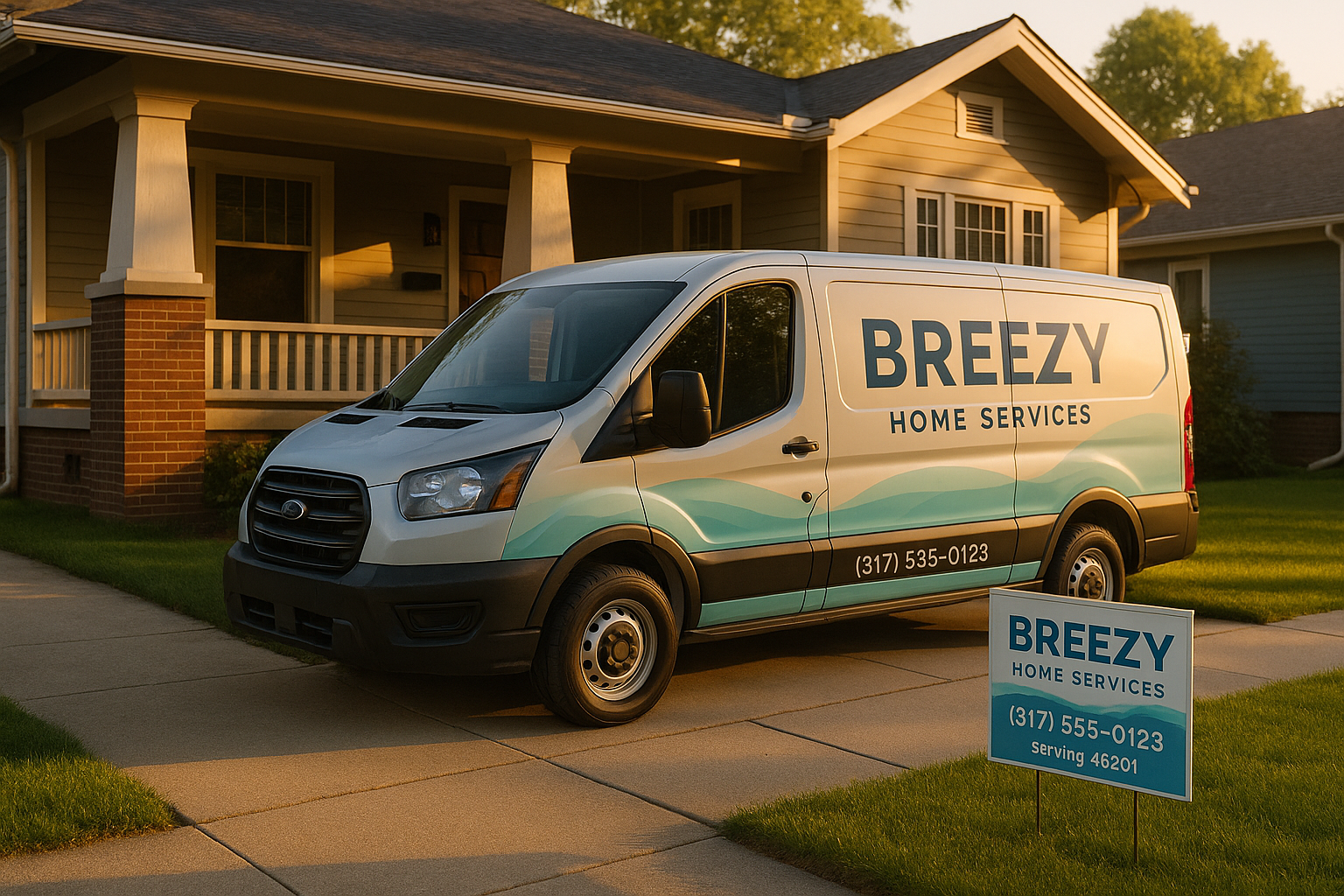
Photos matter more than you’d think. Upload authentic shots: your branded van on a residential street in Herron-Morton, a before-and-after of a roof repair in Zionsville, your team wearing your actual uniforms. Avoid stock images or graphics with text plastered all over them. Google’s algorithm can read location clues from images (like recognizable landmarks) and tends to prefer original, non-staged photos. Also, keep your EXIF data clean — no GPS coordinates that contradict your service area.
For more on polishing your Google Business Profile with photos and reviews, I wrote a detailed tutorial here. And if you’re trying to climb the Map Pack, managing reviews is just as important as citations; check out our guide on getting more Google reviews the right way.
Tracking Calls and Measuring ROI
“How do I know this is working?” You can put UTM parameters on the website links you submit to directories. Source=directoryname, medium=organic, and campaign=citation will show you in Google Analytics which listings send actual traffic. For phone calls, many platforms let you use a tracking number — but tread lightly. The safest approach is to set the tracking number as the primary phone on listings where that’s allowed, and keep your real local number as an additional line. Google Business Profile does not officially support call tracking as the primary number unless the number leads to your actual business line. Some services use dynamic number insertion on your website instead, which avoids messing with your NAP altogether.
The real ROI isn’t always a direct phone call. Watch for direction requests on your GBP, profile views, and search views. If those numbers climb while your citations stay consistent, you’re on the right track.
Common Indianapolis Pitfalls
Here’s a scenario I’ve encountered a few times: A heating and cooling company updates its normal hours on Google but forgets to set holiday hours for the week of the Indy 500, when half their techs are at the track and the office is on skeleton crew. Customers see “open” online, call, and get no answer. Frustration brews. Seasonal closures hit hard here too — winter storms, ice, and below-zero days mean you might close unexpectedly. Update your profiles as early as possible.
Another classic: rebranding or moving, then not updating the Indiana Secretary of State records. Google sometimes cross-references business names and addresses with state filings. If there’s a mismatch, your listing could get flagged. Keep everything in sync.
Duplicate listings often sneak in after a move. I helped an HVAC contractor in Fishers who had three active profiles — one from his original storefront, one from a virtual office he tried, and one from a botched Yext sync. It took a month of calls and support tickets, but we finally squashed the duplicates and saw a 20% bump in direction requests in two months.
Maintenance and How SmallOP Helps
Listings aren’t “set and forget.” Do a light audit quarterly — check for new directories, update holiday hours, refresh photos, and re-verify your ownership on key sites. If your team mentions a spike in wrong-number calls, immediately search for where that incorrect digit is hiding.
That’s where we step in. At SmallOP, we handle the audit, cleanup, structured rollout, and ongoing monitoring so you don’t spend your Saturday nights chasing down an old Yellowpages profile. We’re local — we know the Indy metro, the neighborhoods, the seasonal quirks — and we speak plain English, not agency jargon. If you want a no-obligation look at your current citation health, grab a listing audit from us. We’ll show you exactly what’s messy, what’s missing, and what it’ll take to get your local business online listings and citations working like a quiet, unpaid sales team.
Ready to talk about your project?
Free consultation, 3D rendering, and a written quote — no pressure.